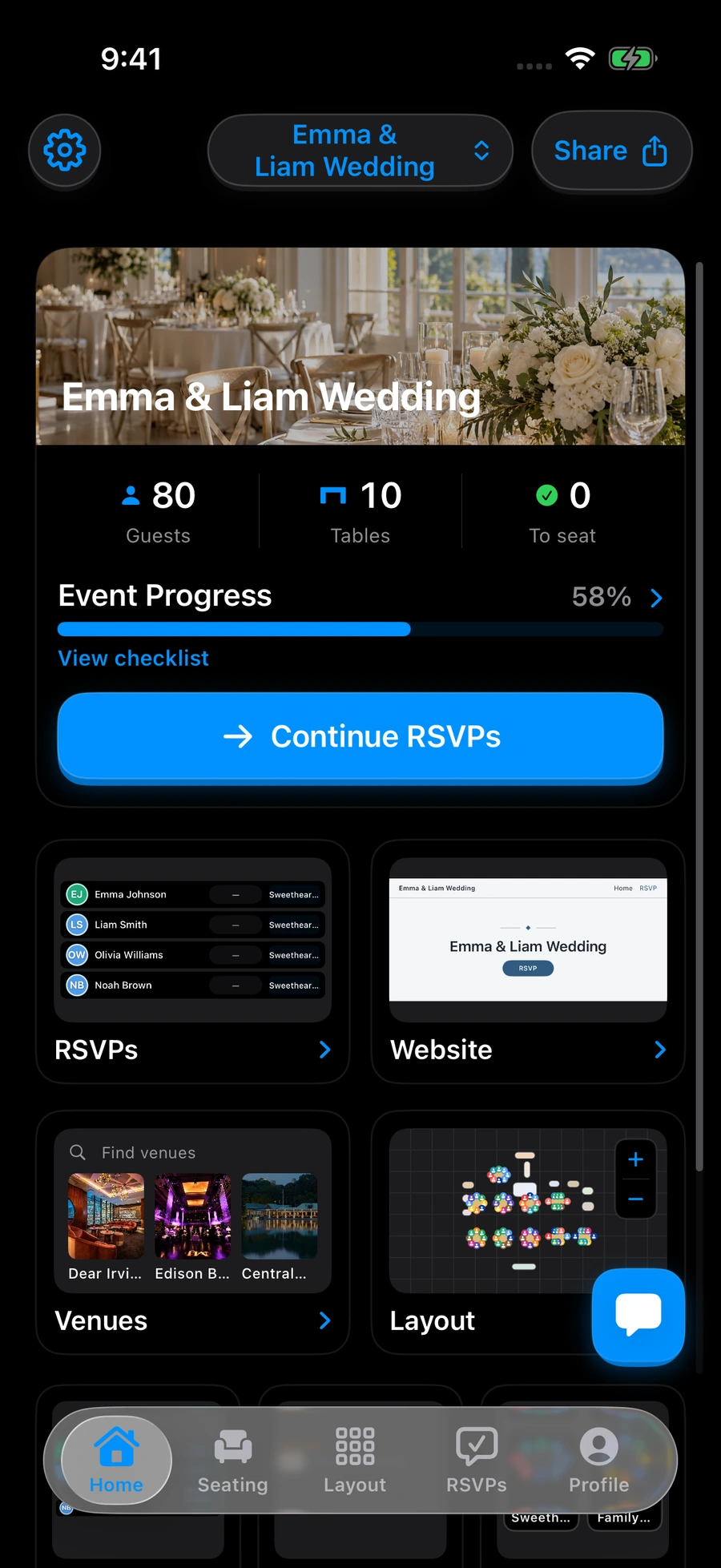
Dark mode
Use the app’s appearance settings to choose light mode, dark mode, or your device’s appearance. Your seating plan stays the same when the appearance changes.
Download Seat MakerWhy it helps
Choose the appearance that feels comfortable while you plan. Use light mode, dark mode, or follow your device setting. Your guests, tables, and seating choices stay the same as the look of the app changes.
Good to know
Change appearance in the app settings. Appearance changes do not rearrange or remove your seating plan.
See it on your devices