Wedding planner
“I planned a 230-person wedding and changed the chart three times in one week. Seat Maker stayed clean and fast the whole time. My venue coordinator said it was the easiest seating file she got all season.”
Build a seating chart for your wedding, event or classroom. Start free in your browser, or use the iPhone and iPad app for saved offline plans.
Build a seating chart for your wedding, event or classroom. Start with the free browser planner, or use Seat Maker on iPhone and iPad for saved offline plans.
Free browser planner, no account needed. The iPhone and iPad app is free to download; full seating arrangements in the app require a paid plan.
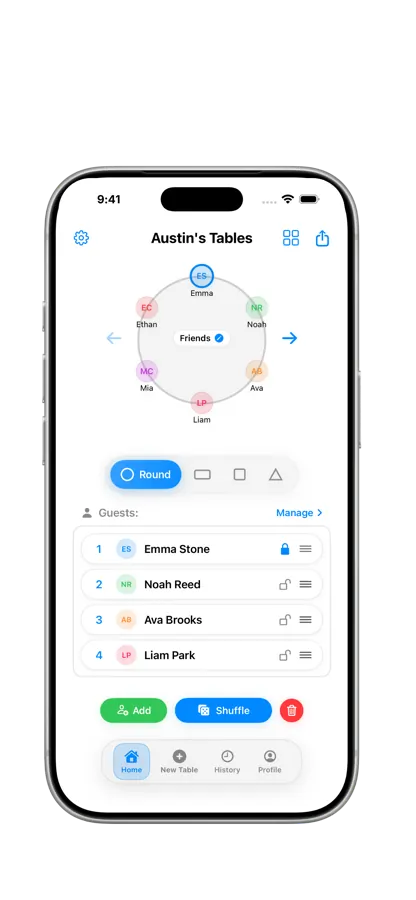
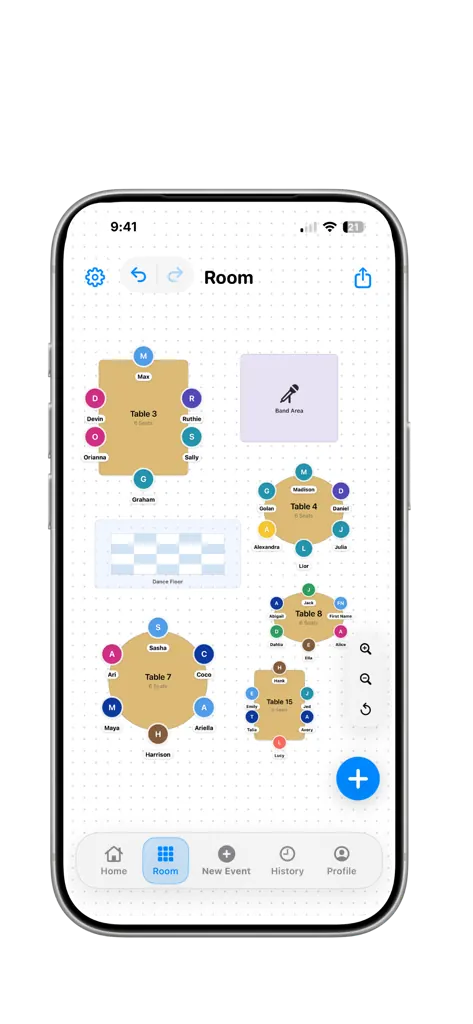
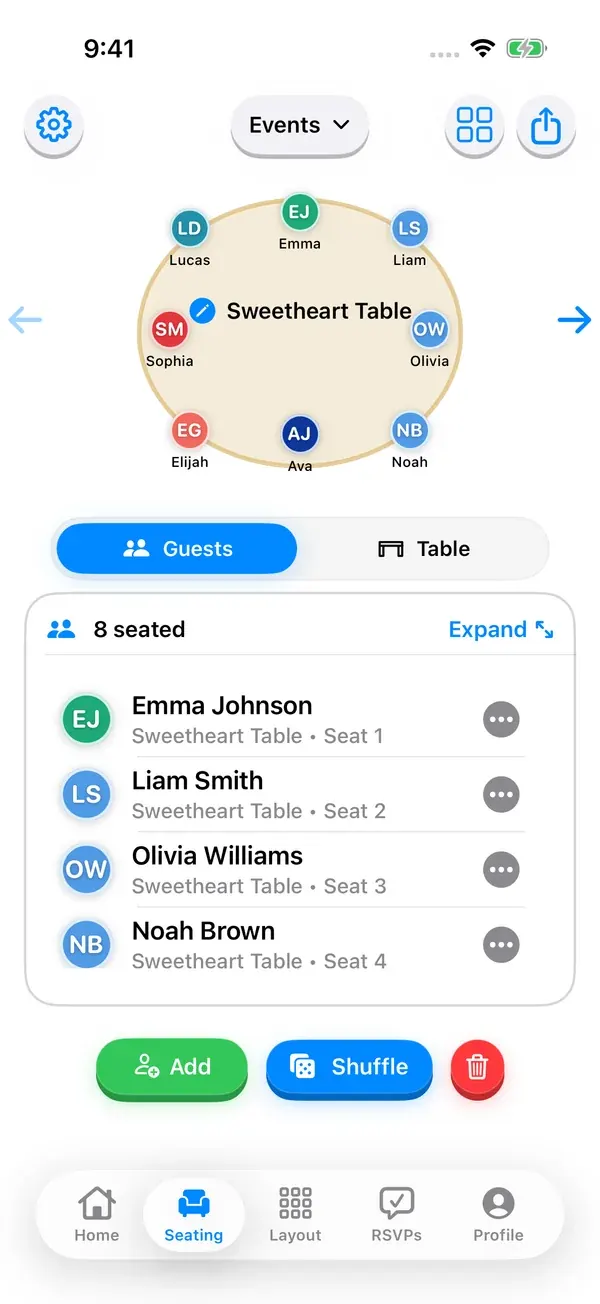
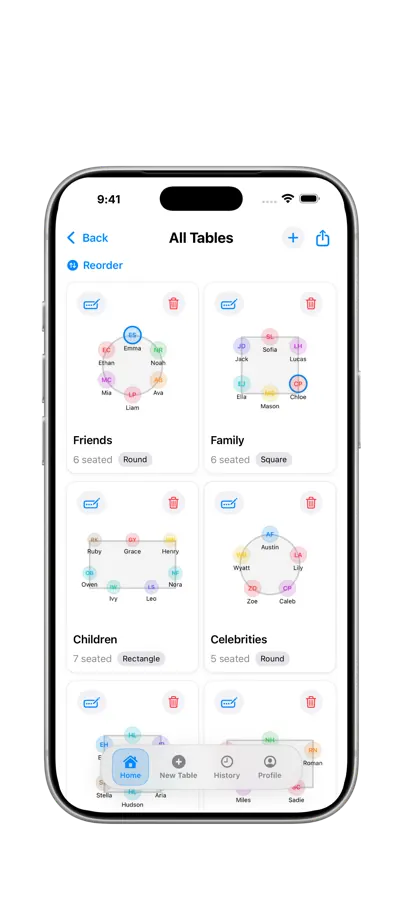
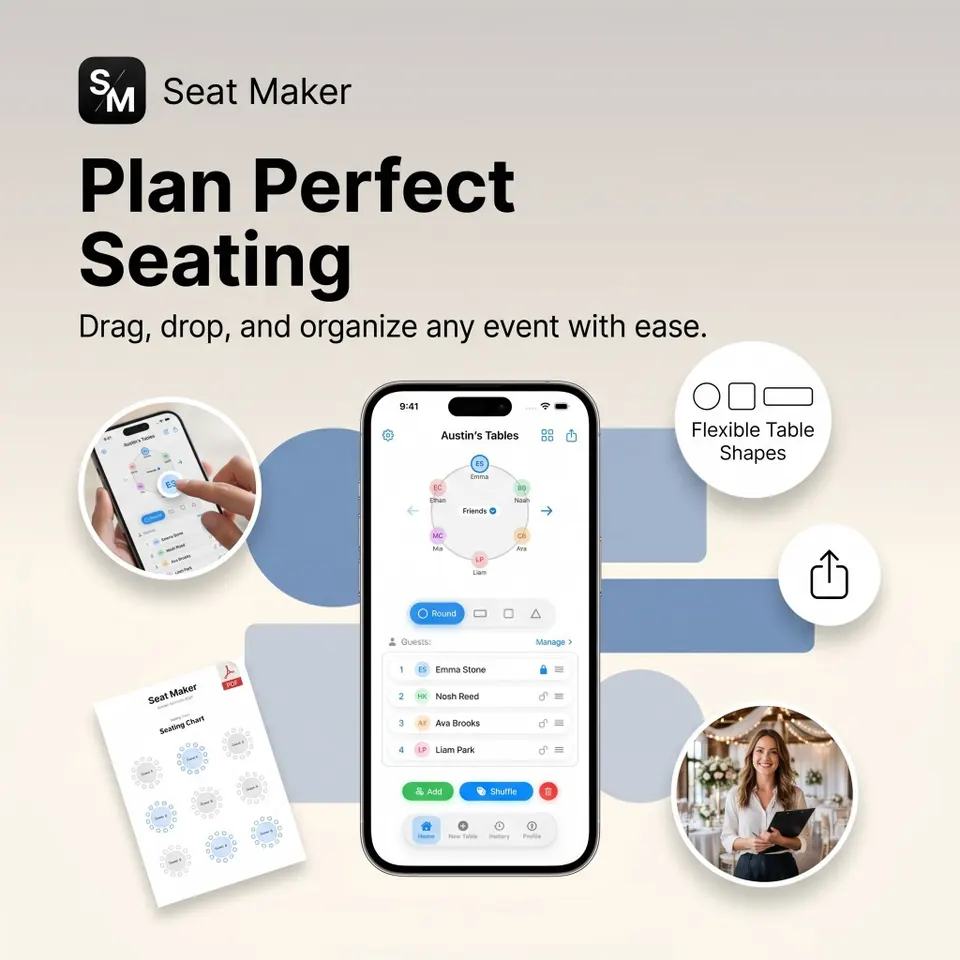
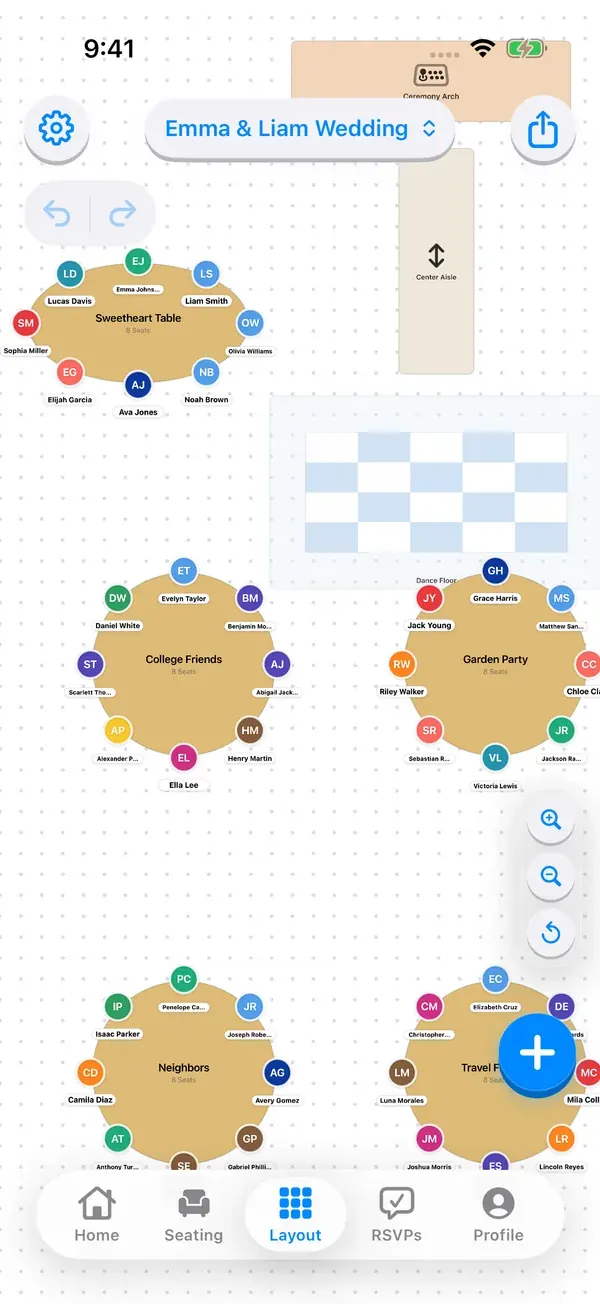
Drag guests into seats, move people between tables, and keep unassigned guests in view as plans change.
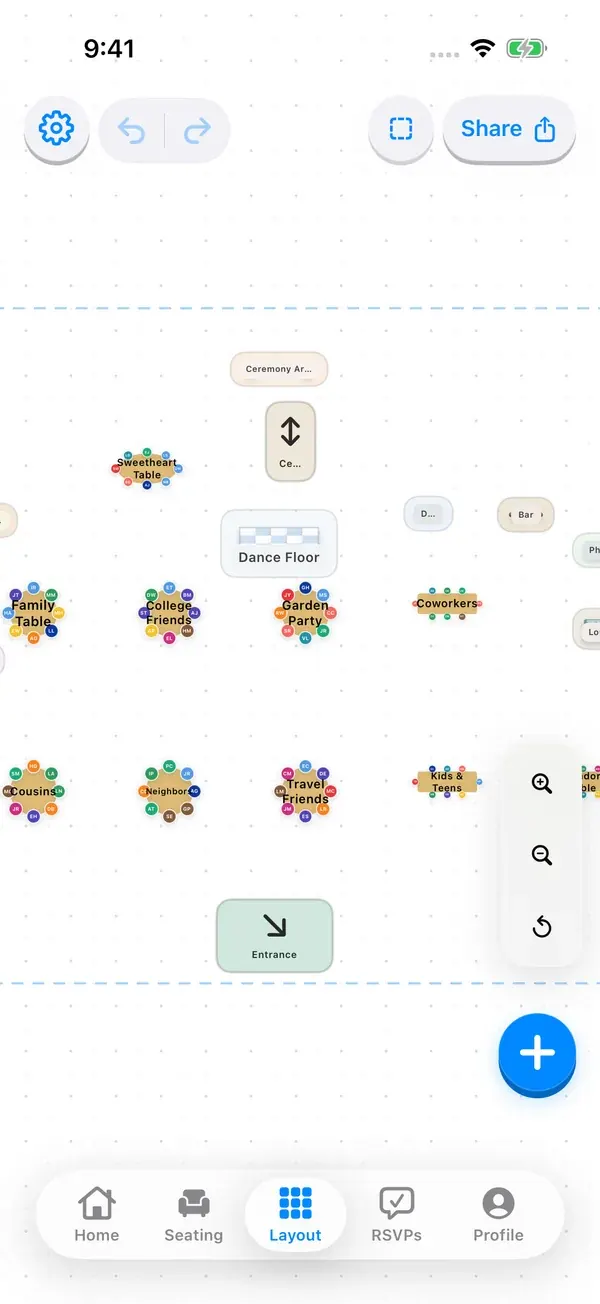
Choose round, rectangle, square, oval, or triangle tables. Arrange tables and room items in a floor plan, then review the layout alongside individual table seating and the All Tables overview.
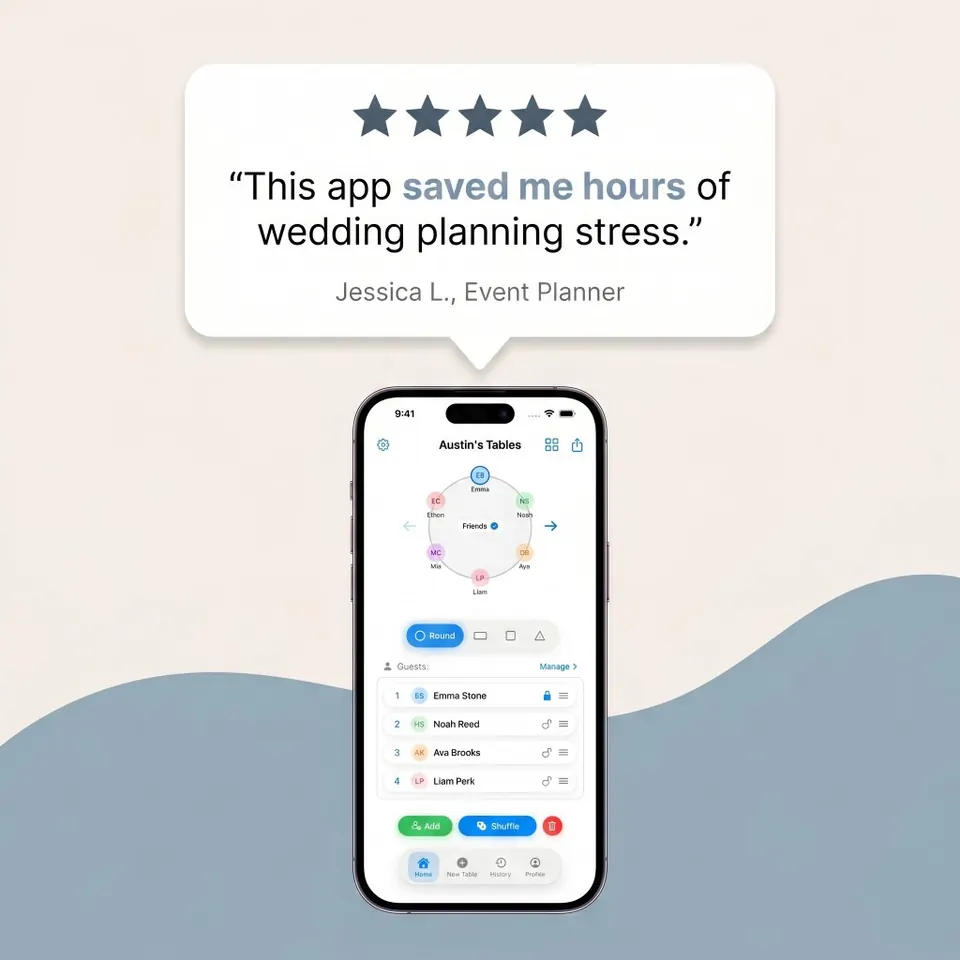
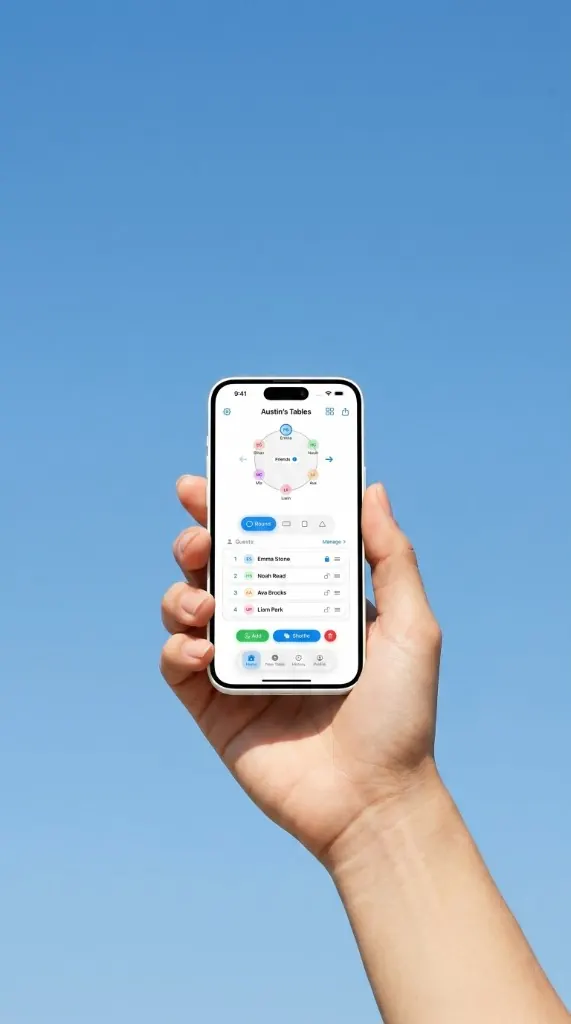
Lock the seats you have promised, then shuffle unlocked guests to compare a different arrangement.
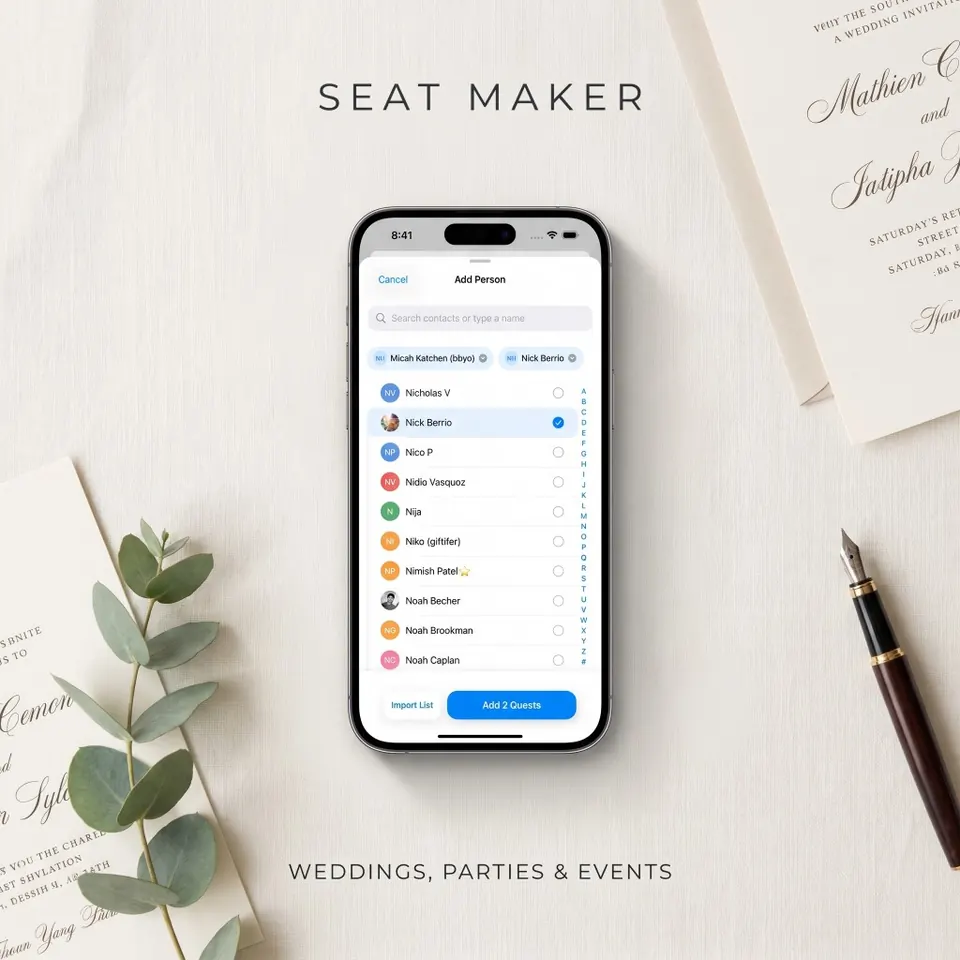
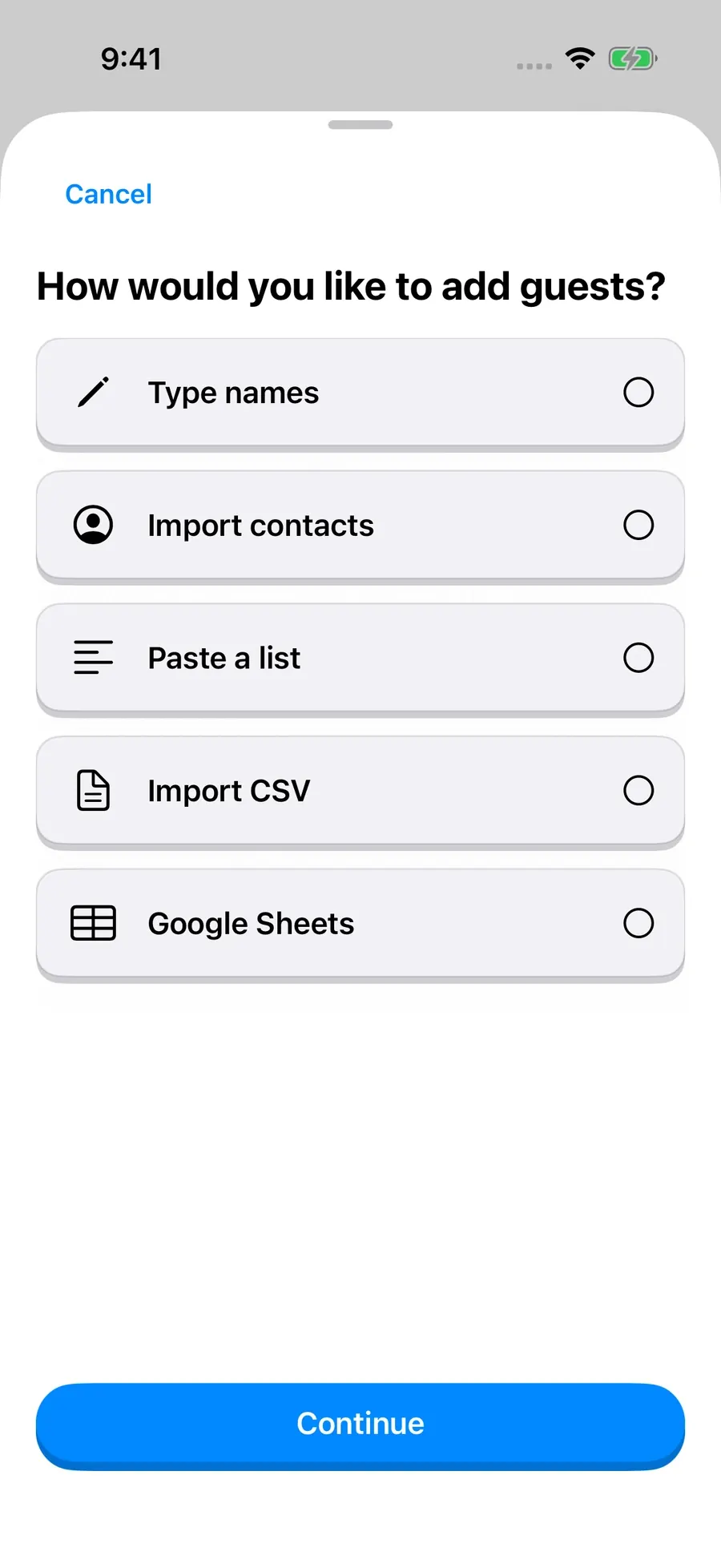
Import from Contacts or CSV, paste names, or add guests manually. Keep notes and dietary details with your guest list.
Export seating charts and guest lists as images or PDFs, share a snapshot by QR code, or send a plan by message. Give coordinators and venue staff a clear copy to review or print.
Edit seating plans saved on your device without an internet connection. Venue search, account sync, published event websites, and online RSVP responses use internet services.
Search for wedding venues and event spaces, browse photo collections, and narrow your shortlist by area, guest capacity, or venue category. Open venue details before choosing the setting for your event.
Share a guest invitation link so people can RSVP in their browser without downloading an app or creating an account. Search the host guest list, review accepted and declined responses, and update guest details before finalizing seats.
Build an event website from your iPhone with your event name, date, venue, photos, and optional sections for your story, travel details, and common questions. Preview the design, save a draft, and publish when you are ready to share.
Ask where to find tools and get help with your planning workflow. Keep previous conversations in searchable chat history. On supported Apple Intelligence devices, review proposed guest and table changes before applying them.
Use the app’s appearance settings to choose light mode, dark mode, or your device’s appearance. Your seating plan stays the same when the appearance changes.
Wedding planner
“I planned a 230-person wedding and changed the chart three times in one week. Seat Maker stayed clean and fast the whole time. My venue coordinator said it was the easiest seating file she got all season.”
Bride
“We used oval and round tables in the same ballroom and every layout stayed readable. The app made family grouping simple and clear. Setup day felt calm instead of frantic.”
Event producer
“Most apps force a desktop workflow that slows me down. Seat Maker is fast on iPhone and iPad and still feels precise. I can fix table assignments while walking the venue floor.”
Gala coordinator
“Shuffle plus VIP lock is the reason we switched. We test options without touching parent and sponsor seats. That one flow saves us a lot of back and forth.”
Banquet manager
“I imported a CSV, cleaned a few names, and started placing people right away. No clutter and no extra setup. It is very direct and practical.”
A few recent features about Seat Maker and why planners keep sharing it.
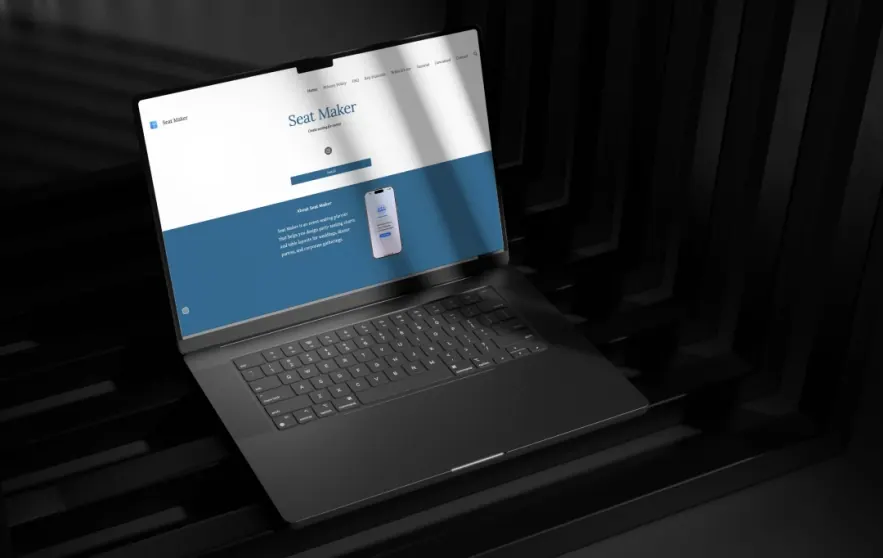
MobileAppDaily
Seat Maker review
“What used to be a dreaded, late-night struggle with spreadsheets and sticky notes now feels easy, almost enjoyable.”
Read Article
News 12 Westchester
Westchester teen builds Seat Maker
“There should be a fast, mobile app for seating that actually works. No spreadsheets, no long setup.”
Read Article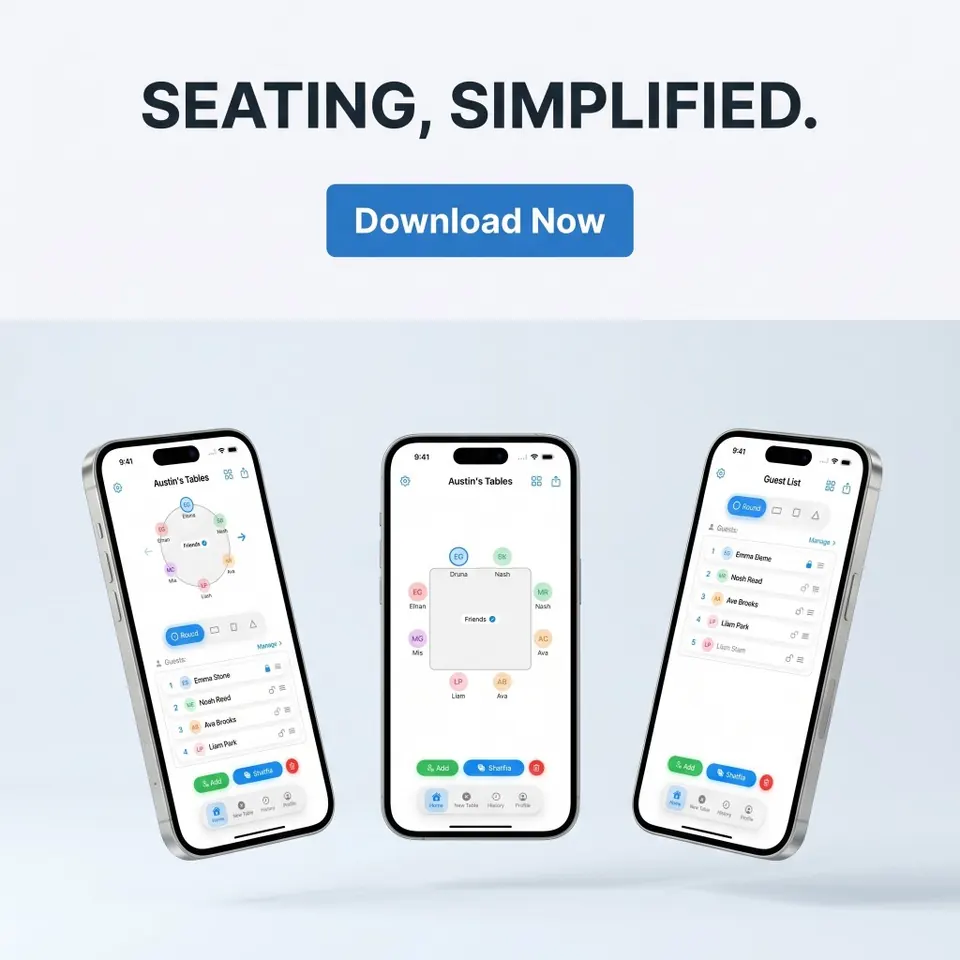
Yonkers Times
Top-ranked Seat Maker app
“Seat Maker has quickly climbed to #4 in the U.S. paid Lifestyle category.”
Read ArticleOur story
Seat Maker started from real event stress, the kind where spreadsheets break, sticky notes pile up, and someone asks "did we move Aunt Carol?" five minutes before doors open. We built a calmer seating chart app so you can plan wedding tables, party layouts, and school charts on iPhone and iPad without the chaos.
01
The first version came from a familiar moment: guests had RSVP'd, the venue sent a room map, and the seating plan still lived in four different places. We wanted one mobile tool that felt fast enough to fix at the venue: drag guests into seats, lock the VIPs, shuffle the rest, and text a clear image to family or staff.
02
Planners now use Seat Maker for wedding receptions, banquets, galas, classrooms, and corporate dinners. Round and rectangle tables, guest import from Contacts or CSV, offline mode when Wi-Fi disappears, all in a focused seating chart app, not a bloated event platform.
03
Real reviews kept us honest. Event hosts wanted less late-night spreadsheet panic. Wedding planners wanted quick exports. Teachers wanted clean classroom charts. We kept tightening drag-and-drop speed, shuffle with locked seats, and sharing that still works when the plan changes again at the last minute.
04
Seat Maker is built by Austin Frankel and shaped by couples, hosts, and venue teams who live in last-minute edits. If seating is the stressful part of your event, we're here to make that part feel simple, visual, and shareable.
Download Seat Maker and build your first seating chart.
Use your own details. No account needed.
Arrange the tables, seat your guests, and share the plan from your iPhone or iPad.
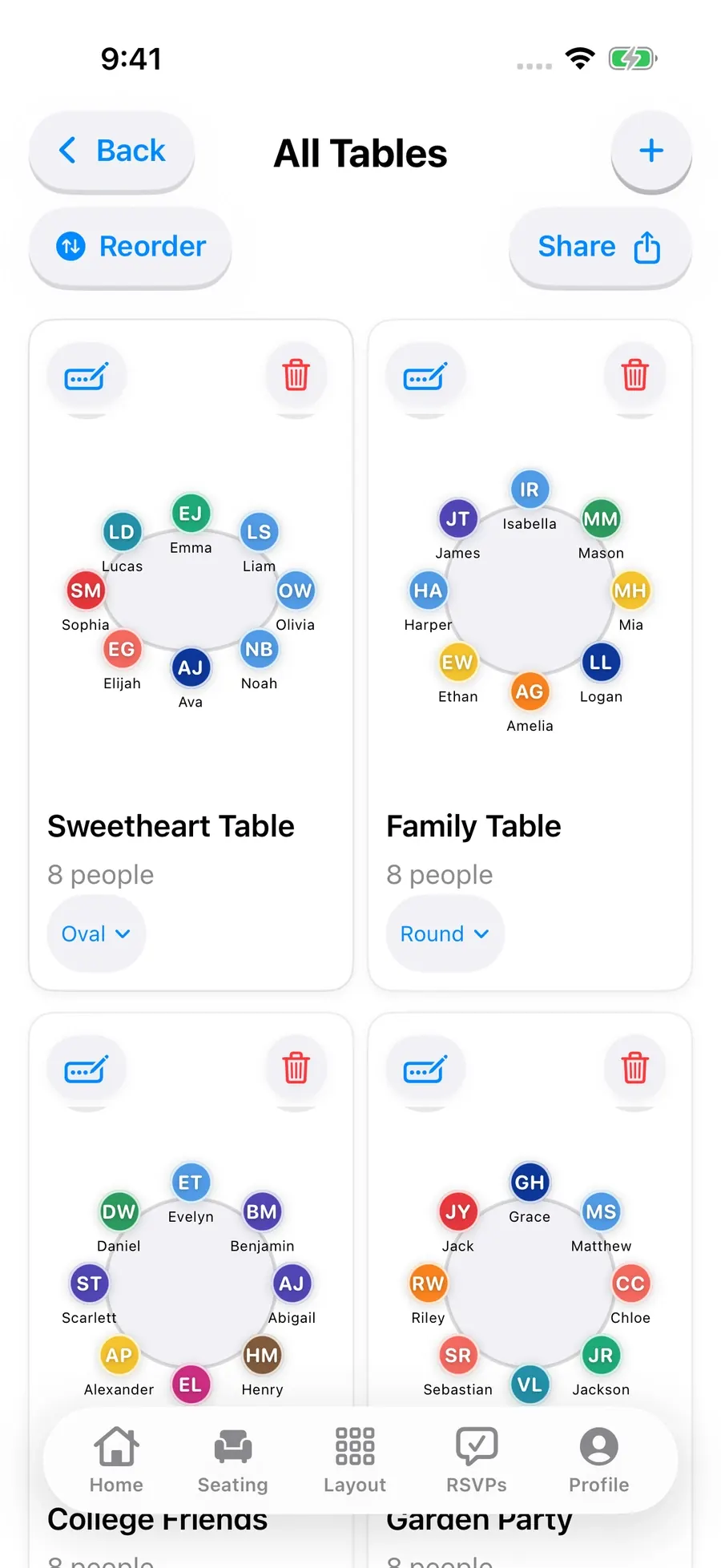
Lock the guests who need a specific seat, then shuffle everyone else.
Read more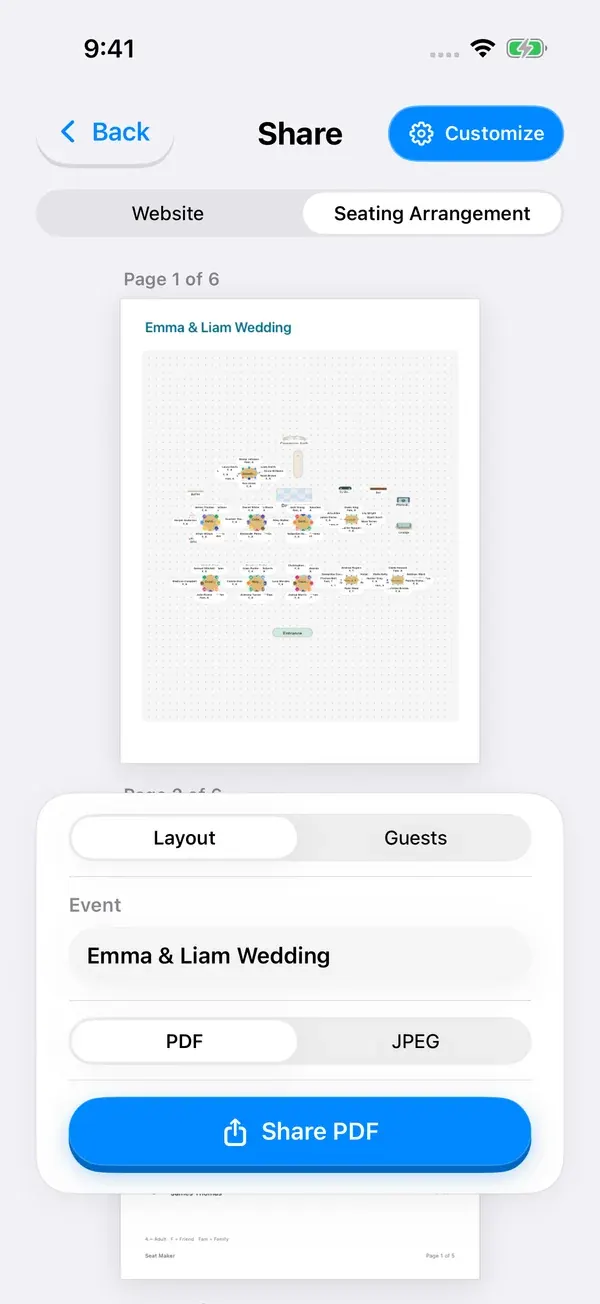
Place families and friends, keep key seats fixed, and make changes as RSVPs come in.
Read more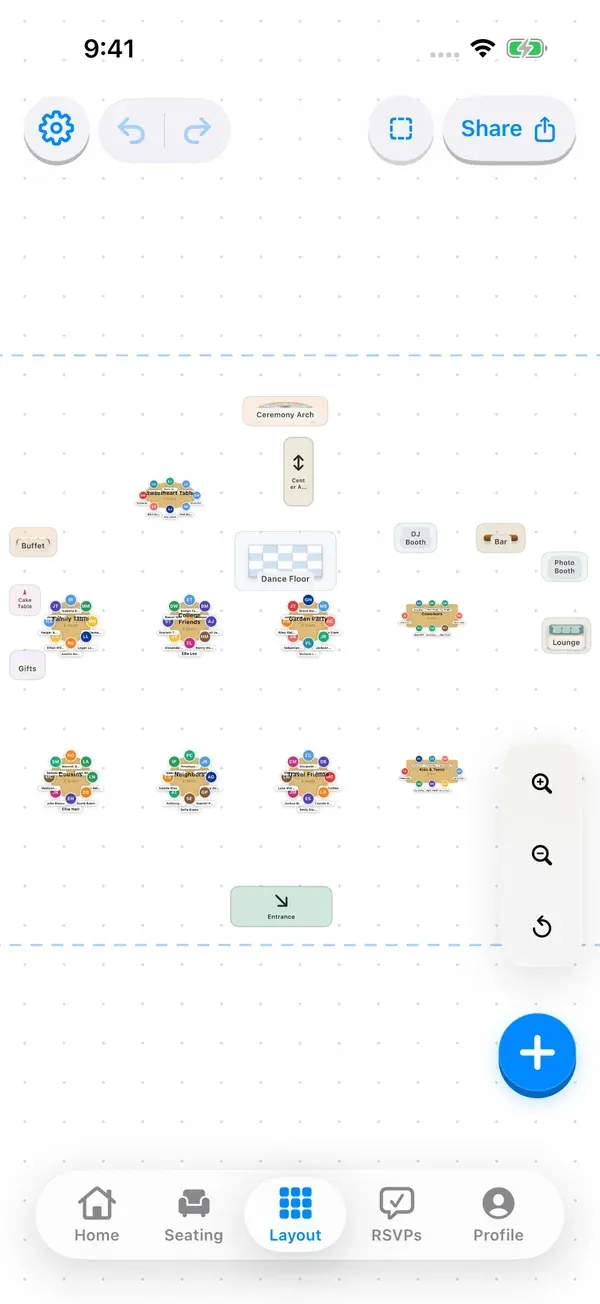
Place sponsors, hosts, and guests, then share the table plan with staff.
Read moreSeat clients and colleagues around their hosts, then adjust the arrangement as needed.
Read more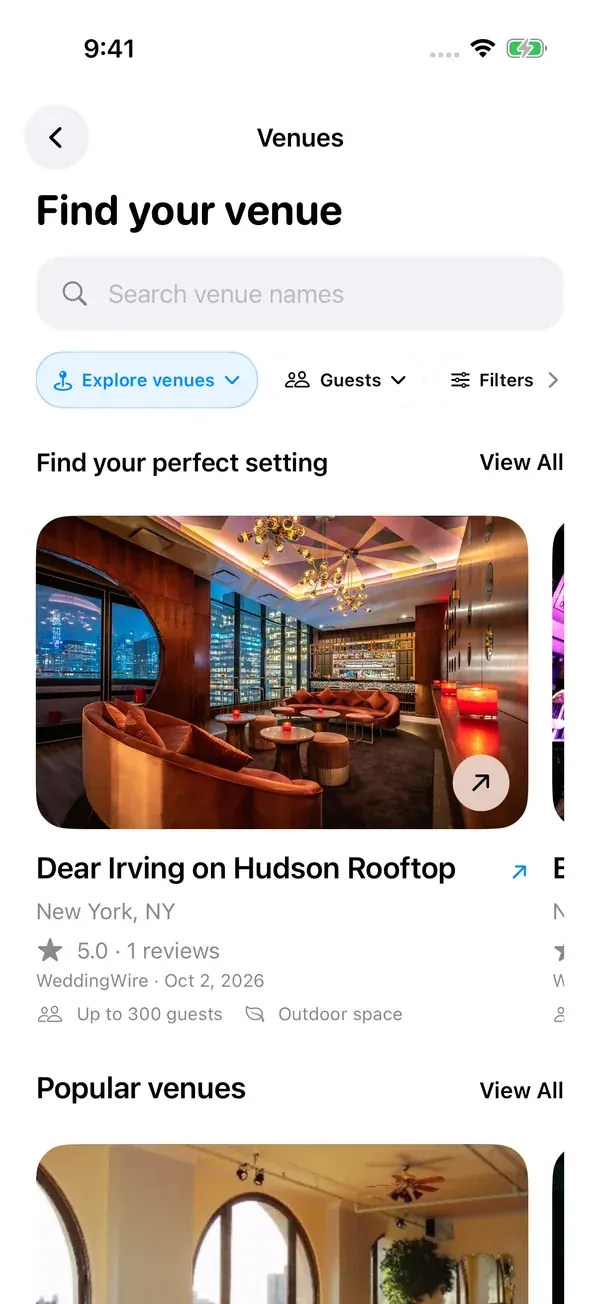
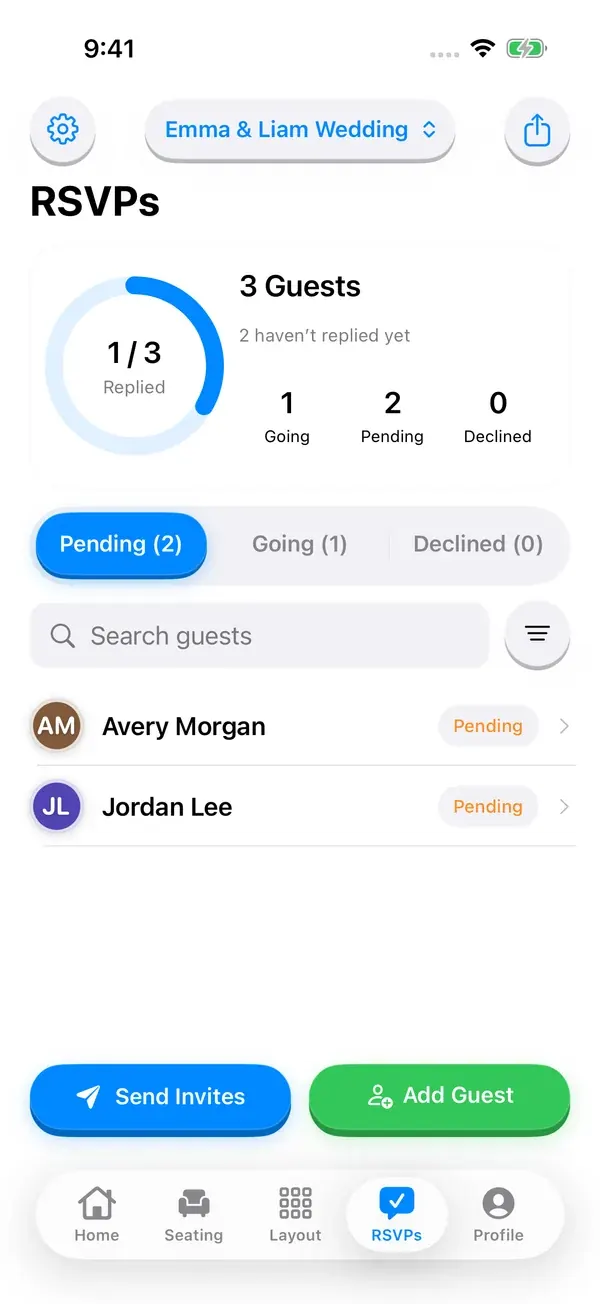
Send an invitation link. Guests can reply in their browser without an app or account. Hosting requires sign-in and internet.
Read more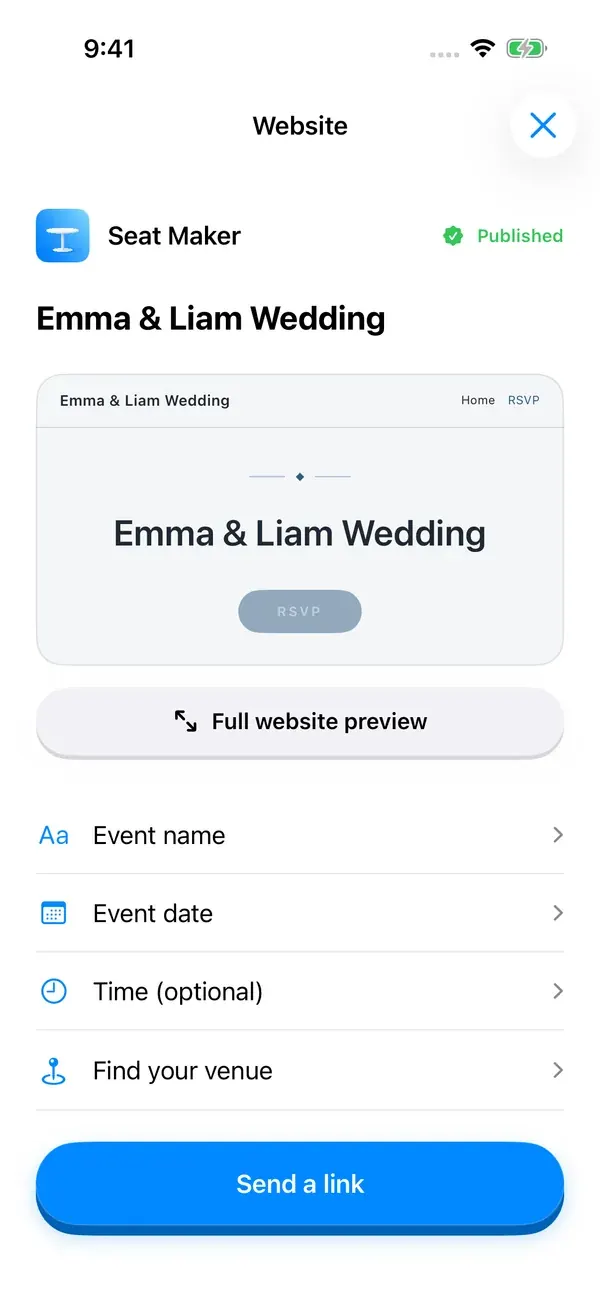
Add the date, venue, photos, and travel details, then publish a site to share. Requires sign-in and internet.
Read more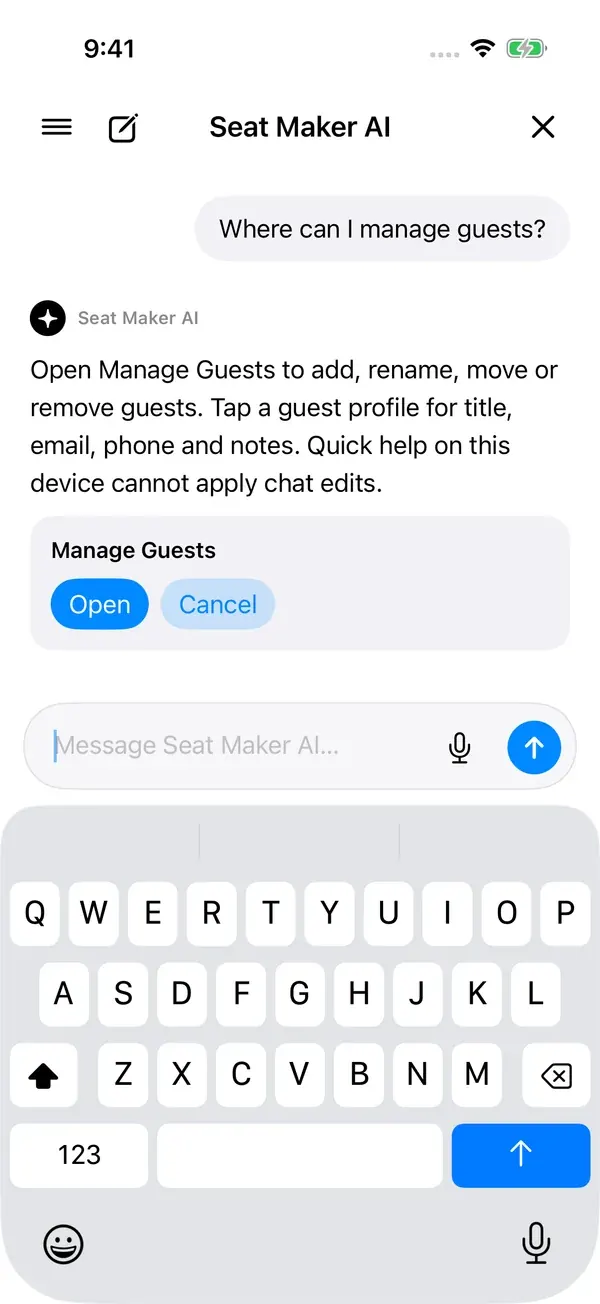
Ask where to find a tool. On supported Apple Intelligence devices, review suggested seating changes before applying them.
Read more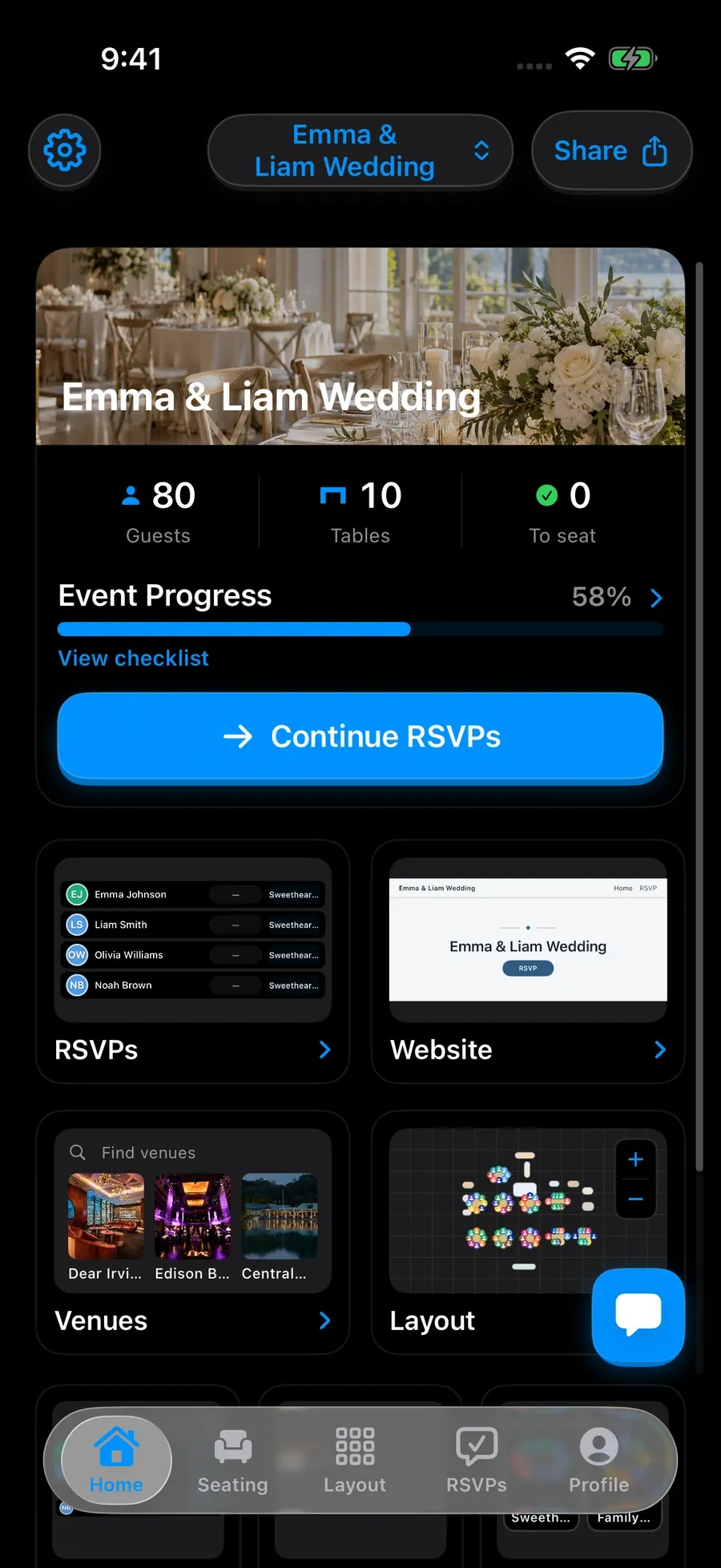
Step-by-step guides for every kind of seating plan, and how to build each one in Seat Maker.
The questions couples, planners, hosts, and teachers ask most before they start a plan.
Seat Maker is a drag-and-drop seating chart app for iPhone and iPad. You build the room, add your guest list, and place people at tables for weddings, receptions, parties, banquets, and classrooms.
Most plans take under an hour. Import or paste your guest list, add tables that match the venue, lock the seats that cannot move, then place everyone else. A small dinner party usually takes a few minutes.
Seat Maker is free to download. Full seating arrangements and some advanced features require an in-app subscription; review the current options in the app before purchasing.
Yes. You can edit seating plans saved on your device without internet. Venue searches, account sync, online RSVPs, and published event websites need an internet connection.
Yes. Import guests from Contacts or a CSV file, clean up the names, and start assigning seats without retyping the list.
Share the chart as a message, an image, a PDF, or a QR code. Venue coordinators, caterers, and helpers can open it on any phone without installing the app.
Yes. Teachers build desks, pods, and table groups, then rearrange or reuse the same layout for exams, substitutes, and support staff.
Seat Maker runs on iPhone, iPad, and compatible Apple silicon Macs. Professional accounts can also use the online planner in a modern desktop or mobile browser.
Email hello@seatmakerapp.com or call or text (570) 661-1277. We read every message and usually reply within two business days.
In the latest app preview, share a guest invitation link so people can RSVP in their browser without downloading an app or creating an account. Search the host guest list, review accepted and declined responses, and update guest details before finalizing seats.
In the latest app preview, build an event website from your iPhone with your event name, date, venue, photos, and optional sections for your story, travel details, and common questions. Preview the design, save a draft, and publish when you are ready to share.
In the latest app preview, search for wedding venues and event spaces, browse photo collections, and narrow your shortlist by area, guest capacity, or venue category. Open venue details before choosing the setting for your event.
Ask where to find tools and get help with your planning workflow. Keep previous conversations in searchable chat history. On supported Apple Intelligence devices, review proposed guest and table changes before applying them.
Use the app’s appearance settings to choose light mode, dark mode, or your device’s appearance. Your seating plan stays the same when the appearance changes.
PostHog collects page and screen visits, feature use, clicks, performance and error diagnostics, session or installation identifiers, and referral information. App events can be associated with your signed-in account. Website session replay can record page content and interactions; inputs, the shared seating viewer’s guest areas, and our Help & chat panel are masked. Native app session replay is disabled. Browser cookies or local storage may remember analytics identifiers. Declining iOS advertising tracking does not disable product analytics.
More answers in the full FAQ, email hello@seatmakerapp.com, or call or text (570) 661-1277.
Around the community
Seat Maker on social
Creator tips, real conversations, and the people behind Seat Maker.
Creator spotlight
Macey Mexico
Macey features Seat Maker in part four of her Wedding Planning Guide 101, showing couples a simpler way to handle their seating chart.
From the street
What makes seating stressful?
Austin takes Seat Maker to the street and asks people how they would handle the seating chart.
@seatmakerapp
Meet the founder
Austin Frankel
Austin is the founder of Seat Maker. He works with planners, hosts, and teachers to make seating charts faster, simpler, and easier to share.
Help shape Seat Maker
Have an idea for the app or a seating problem you keep running into? Send Austin a note using the links below.
Read our story