Party seating that feels effortless
Social events still need structure. Seat Maker helps you place guests thoughtfully without overcomplicating the process.
Download Seat MakerWhy it helps
- Build seating quickly for changing guest lists.
- Balance friend groups and family dynamics.
- Share final seating in a format everyone can use.
How to use it
- Add guests as they confirm, without waiting for a final list.
- Create the handful of tables the space actually fits.
- Seat the guests of honor, then group friends who already know each other.
- Share the plan with whoever is helping you set up.
Good to know
- Start with the guests of honor, older relatives, children, and anyone who needs easier access before arranging flexible friend groups.
- Match the amount of planning to the event: assigned tables may be enough when exact seats would feel unnecessarily formal.
- Give setup helpers a simple final chart with the same table labels used on decorations, place cards, or buffet instructions.
See it on your devices
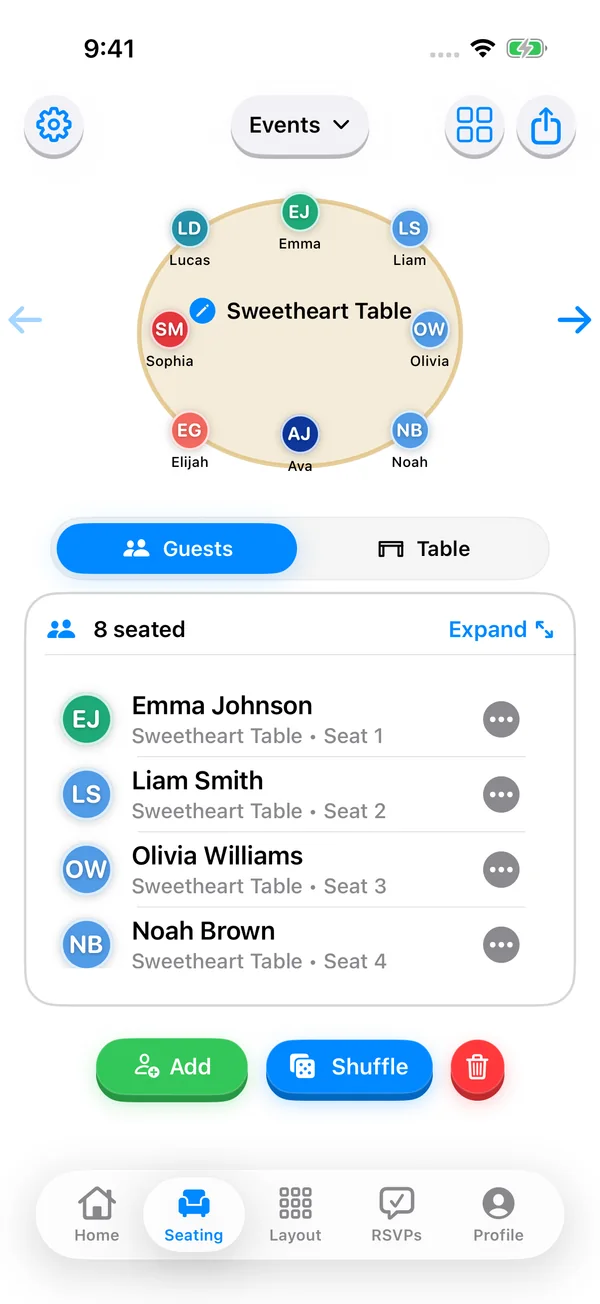
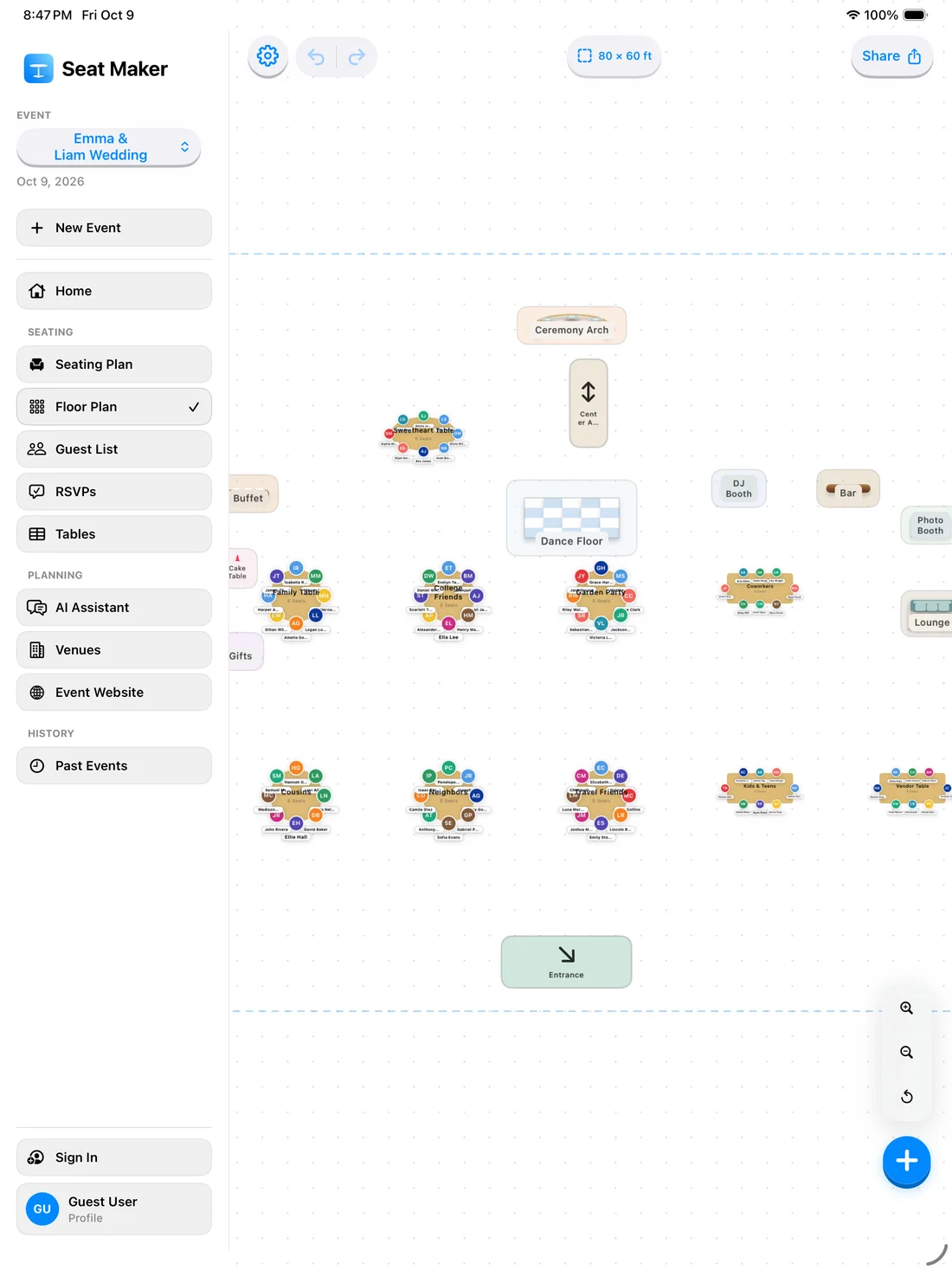
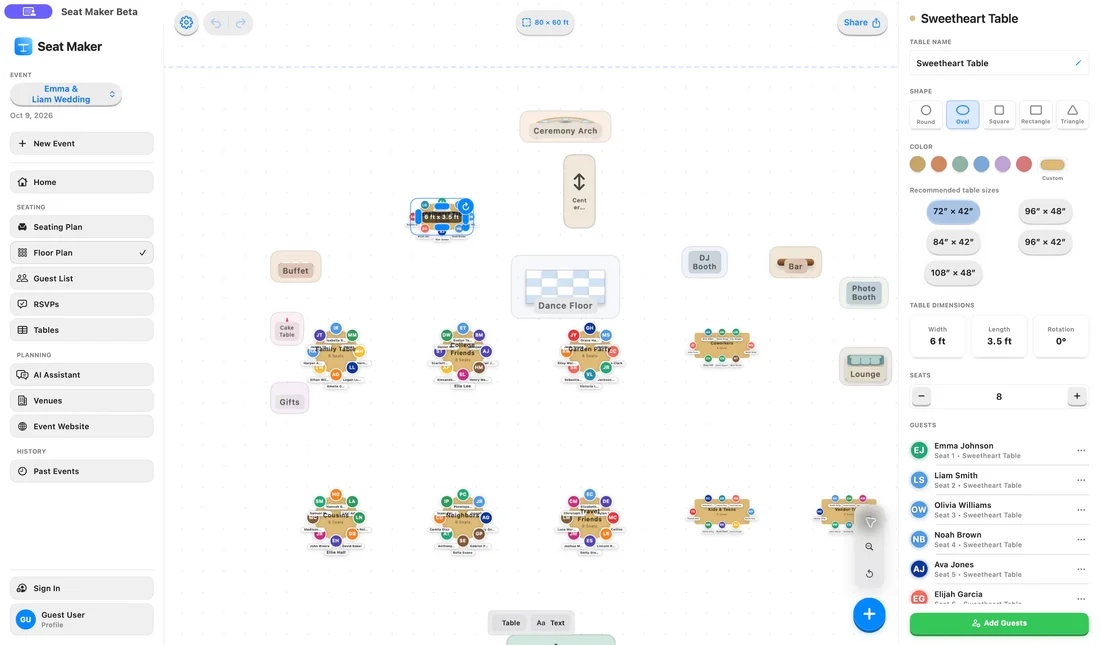
Plan your party layout with drag-and-drop seats.