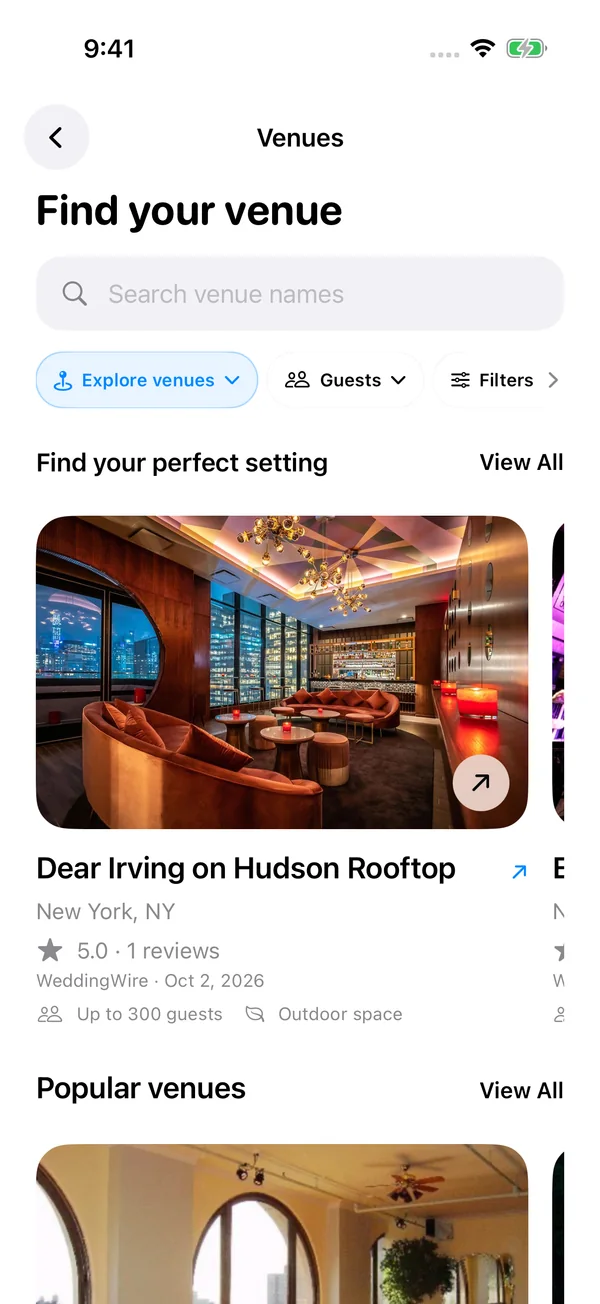
Wedding and event venue discovery
Search for wedding venues and event spaces, browse photo collections, and narrow your shortlist by area, guest capacity, or venue category. Open venue details before choosing the setting for your event.
Start with the venue and the guest list. Use your event website to share the date, location, and useful details, then review guest responses in RSVPs. Build a room layout, assign people to tables, and lock the seats that matter before testing other arrangements. Save your event and export the seating chart and guest list for your venue team. Core seating edits stay available offline; online guest responses and published websites require an account and internet.
See how the latest Seat Maker experience brings your venue, event website, guest responses, and seating chart together on iPhone and iPad.
Search for wedding venues and event spaces, browse photo collections, and narrow your shortlist by area, guest capacity, or venue category. Open venue details before choosing the setting for your event.
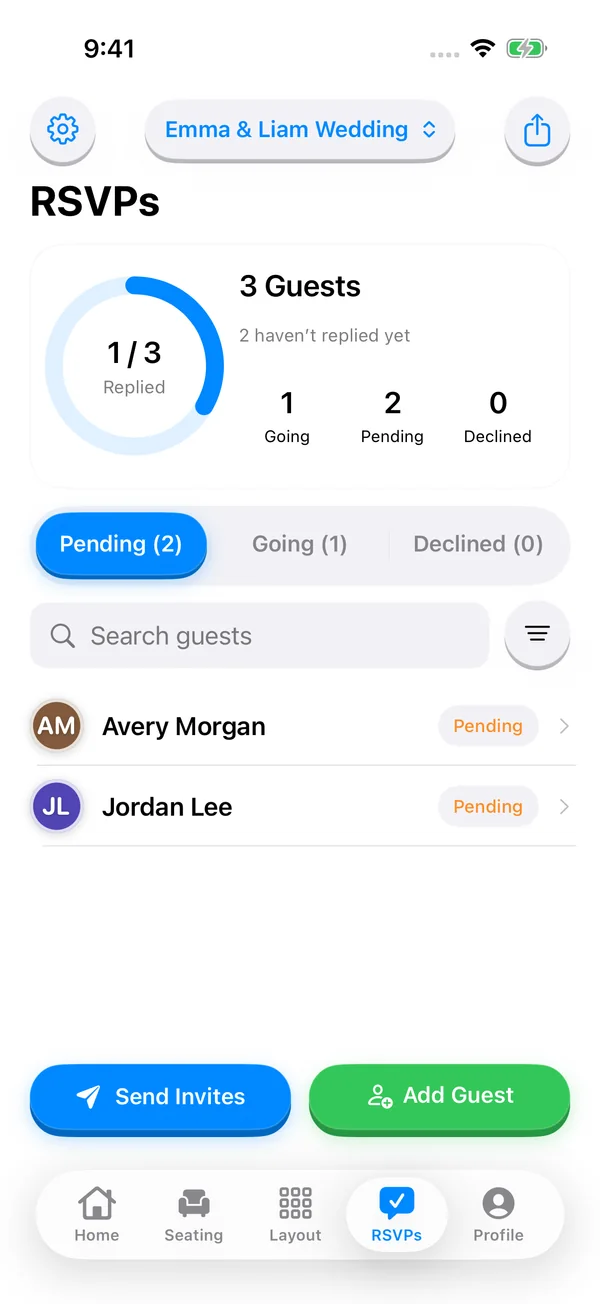
Share a guest invitation link so people can RSVP in their browser without downloading an app or creating an account. Search the host guest list, review accepted and declined responses, and update guest details before finalizing seats.
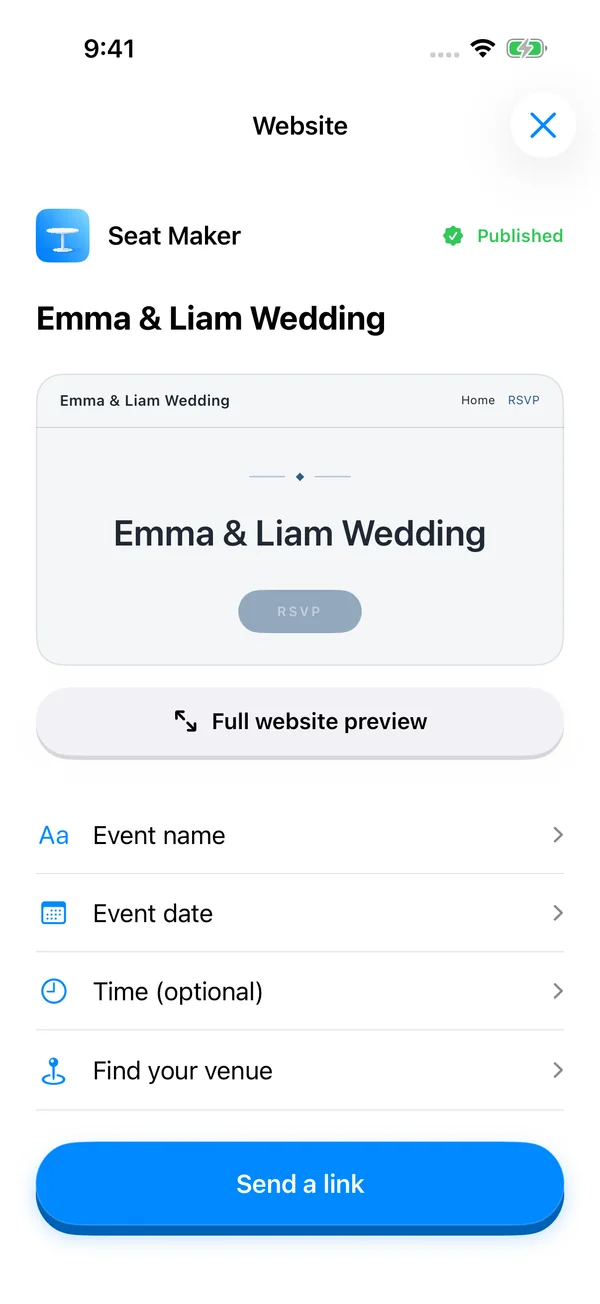
Build an event website from your iPhone with your event name, date, venue, photos, and optional sections for your story, travel details, and common questions. Preview the design, save a draft, and publish when you are ready to share.
View the event website preview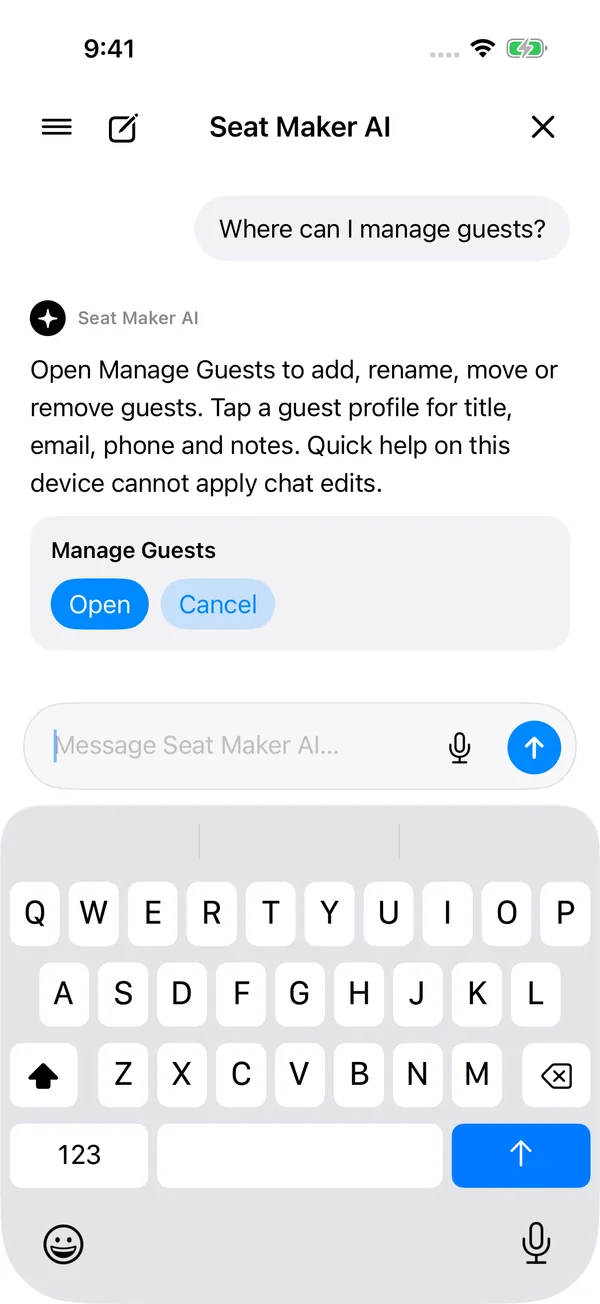
Ask where to find tools and get help with your planning workflow. Keep previous conversations in searchable chat history. On supported Apple Intelligence devices, review proposed guest and table changes before applying them.
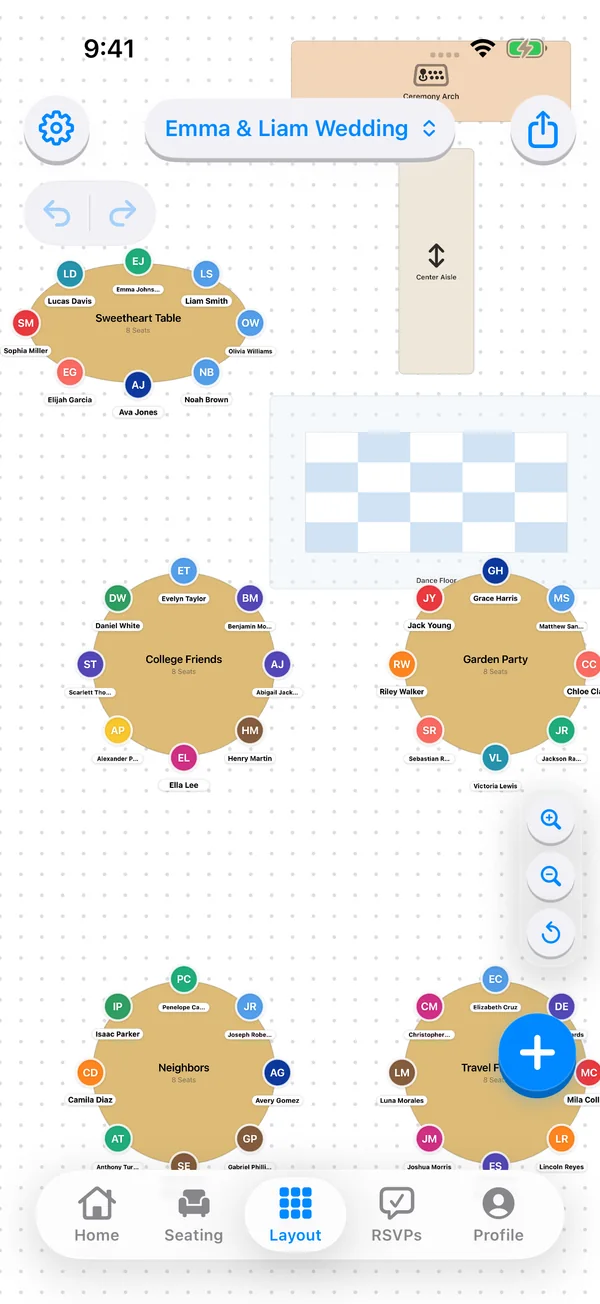
Choose round, rectangle, square, oval, or triangle tables. Arrange tables and room items in a floor plan, then review the layout alongside individual table seating and the All Tables overview.
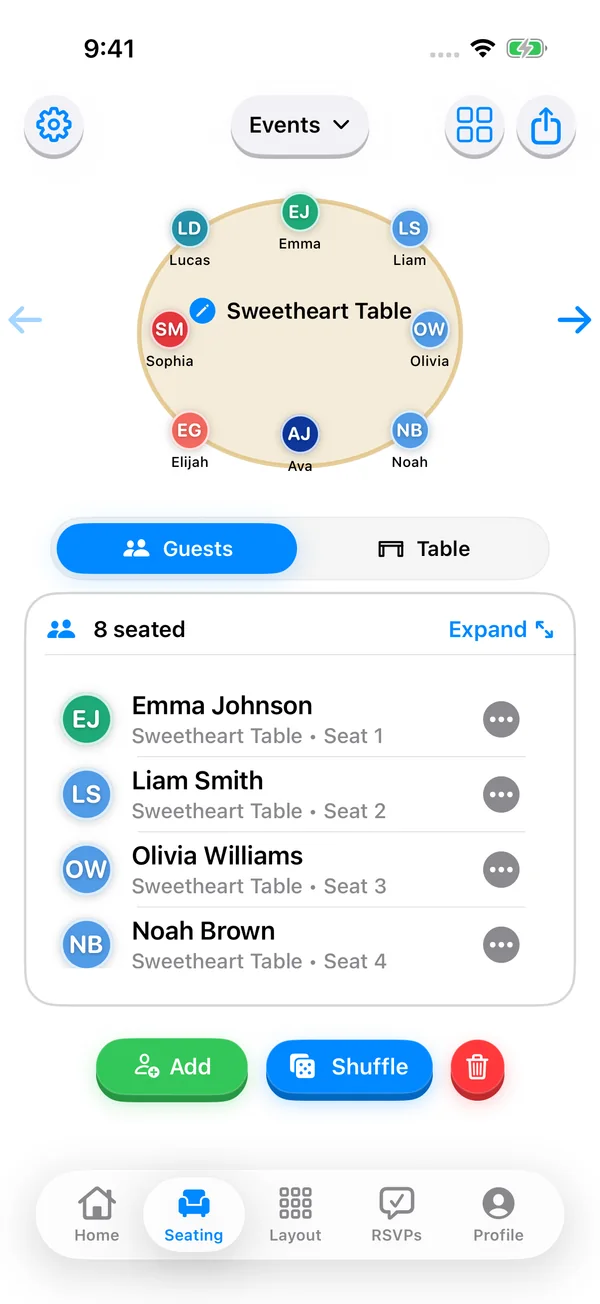
Drag guests into seats, move them between tables, and keep unassigned guests visible while you work. Make late changes to a wedding reception, dinner party, or classroom chart without rebuilding the plan.
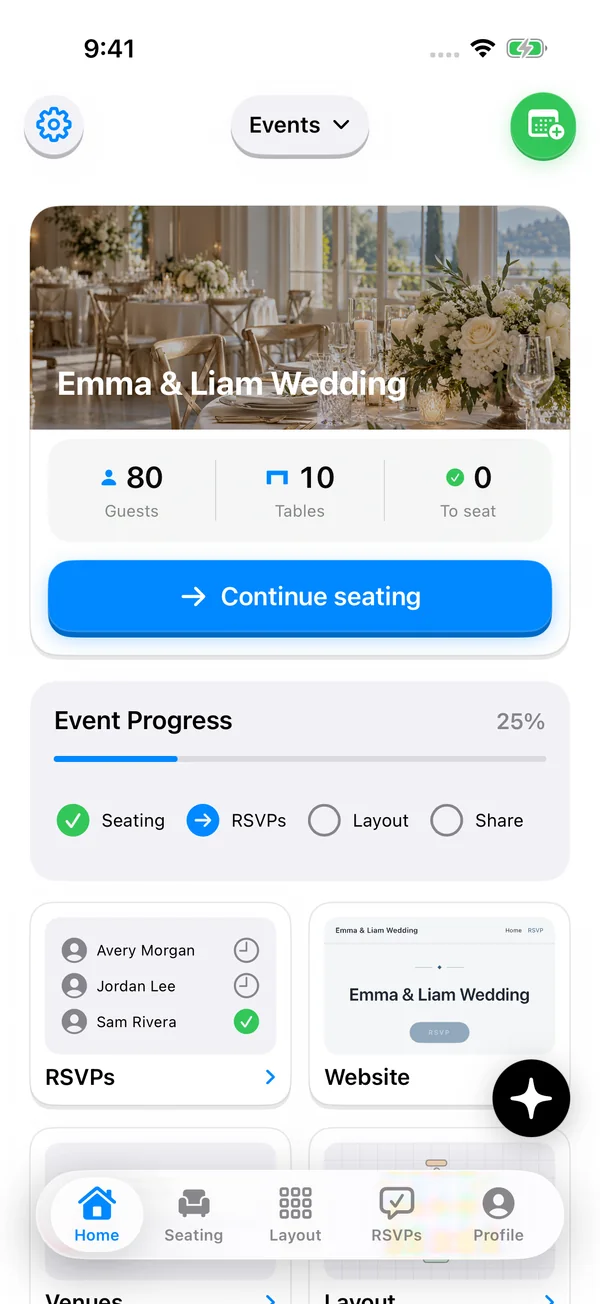
Open seating, room layout, RSVPs, your website, venues, and saved events from one event dashboard. Check guest and table totals and see what still needs attention as your event approaches.
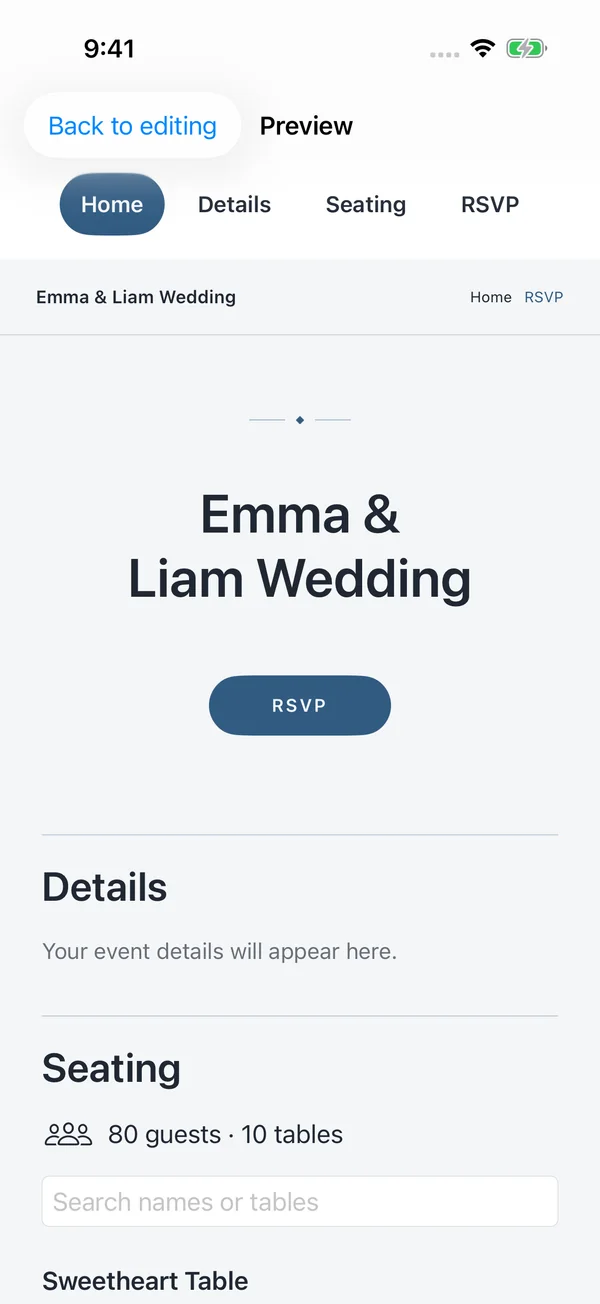
Build an event website from your iPhone with your event name, date, venue, photos, and optional sections for your story, travel details, and common questions. Preview the design, save a draft, and publish when you are ready to share.
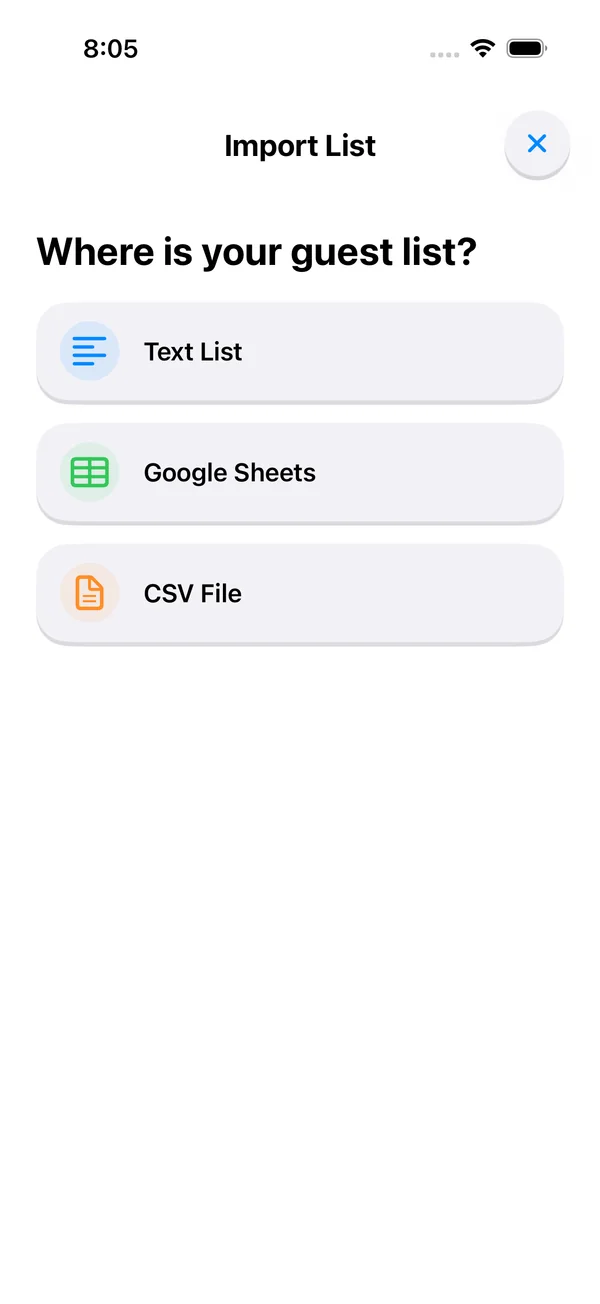
Import guests from Contacts or CSV, paste a list, or add people manually. Keep guest notes, dietary restrictions, and relationship details together while you organize table assignments.
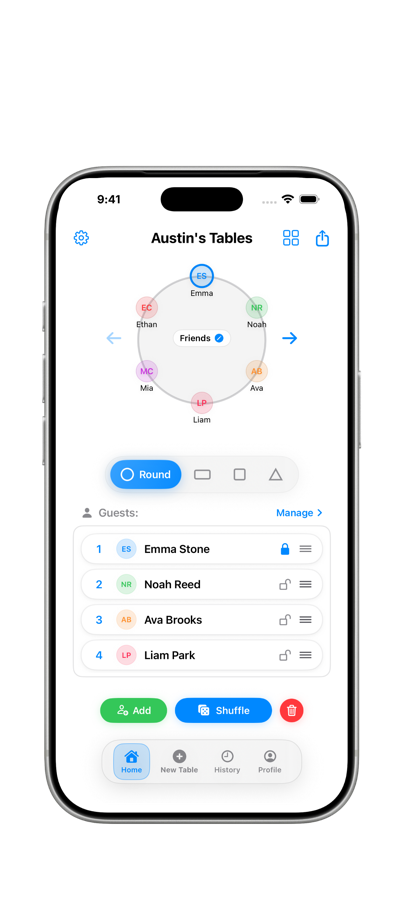
Lock promised seats for VIPs, family members, or guests with accessibility needs, then shuffle unlocked guests to explore another arrangement. Keep the final decision in your hands.
Screens show the latest app preview with demo guests. Feature availability depends on your app version and plan. Website publishing, RSVPs, and venue search need internet; hosts sign in to manage online events. AI planning tools need a supported device with Apple Intelligence enabled.
Export seating charts and guest lists as images or PDFs, share a snapshot by QR code, or send a plan by message. Give coordinators and venue staff a clear copy to review or print.
Edit seating plans saved on your device without an internet connection. Venue search, account sync, published event websites, and online RSVP responses use internet services.
Built for real hosts and planners who need clean plans and fast communication on event day.
Use the app’s appearance settings to choose light mode, dark mode, or your device’s appearance. Your seating plan stays the same when the appearance changes.