Drag and drop seating that stays fast
Seat Maker keeps drag and drop simple so you can focus on the people, not the tool.
Download Seat MakerWhy it helps
- Move guests between tables with drag-and-drop controls.
- Try alternate placements before locking the final plan.
- Keep visual clutter low while making quick edits.
How to use it
- Import or paste the guest list so every name is in one place.
- Add tables that match the shape and size of the real room.
- Drag guests onto tables, starting with the groups that must sit together.
- Adjust placements until the room reads well, then export the final chart.
Good to know
- Confirm table capacities before you start moving names. A visually balanced chart can still fail if one table has more chairs than the venue will set.
- Review households, accessibility needs, and guests who should be separated after every major rearrangement instead of relying on the room view alone.
- Save the final hand-edited arrangement as the version you export so an earlier experiment does not reach the setup team.
See it on your devices
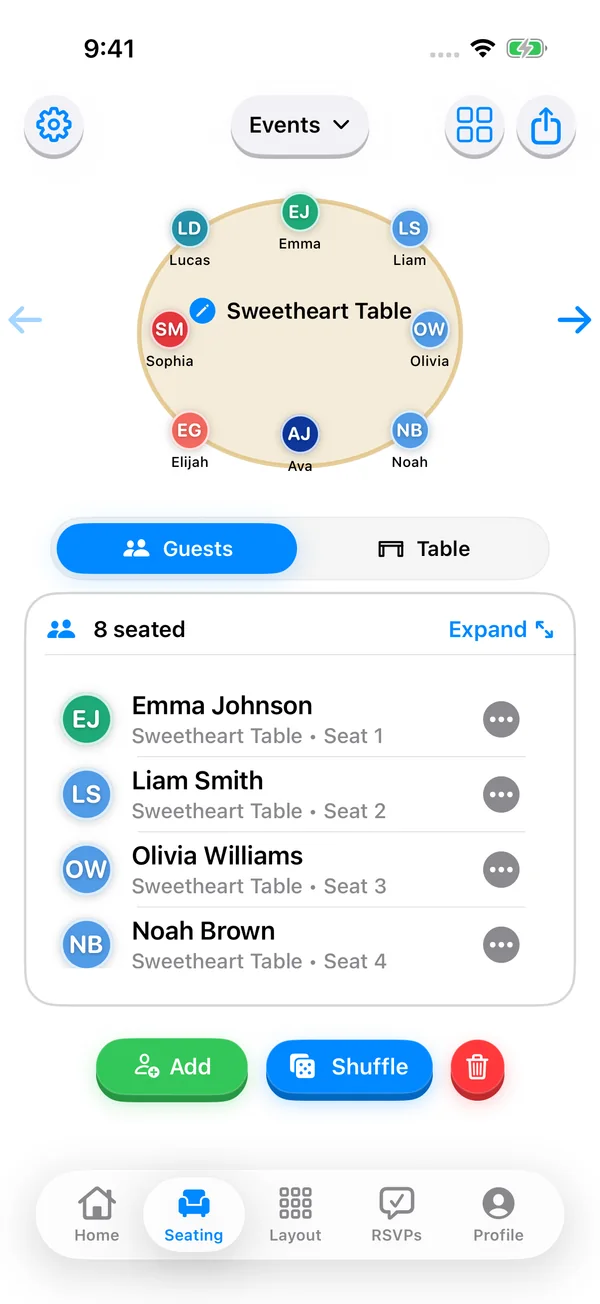
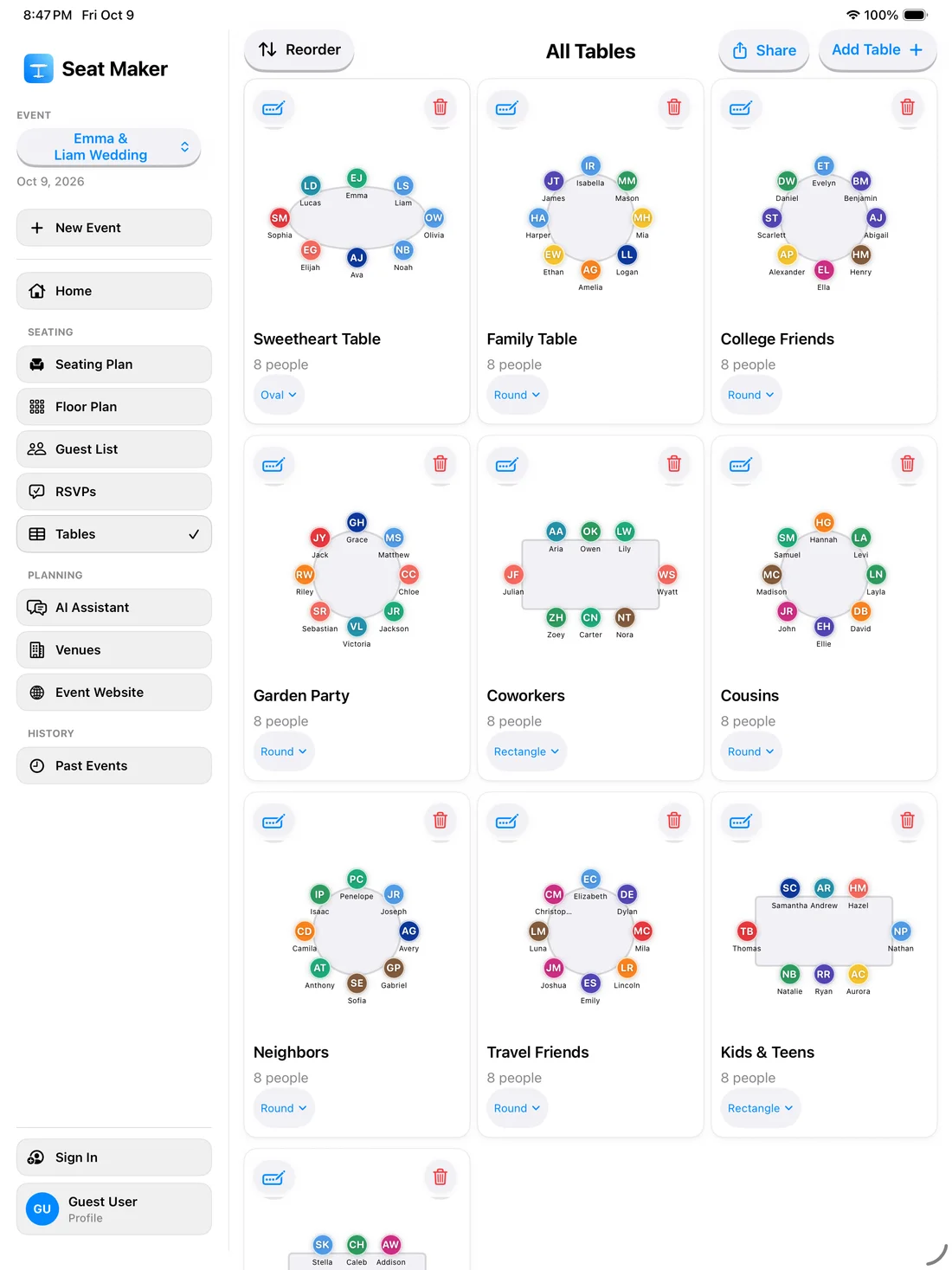
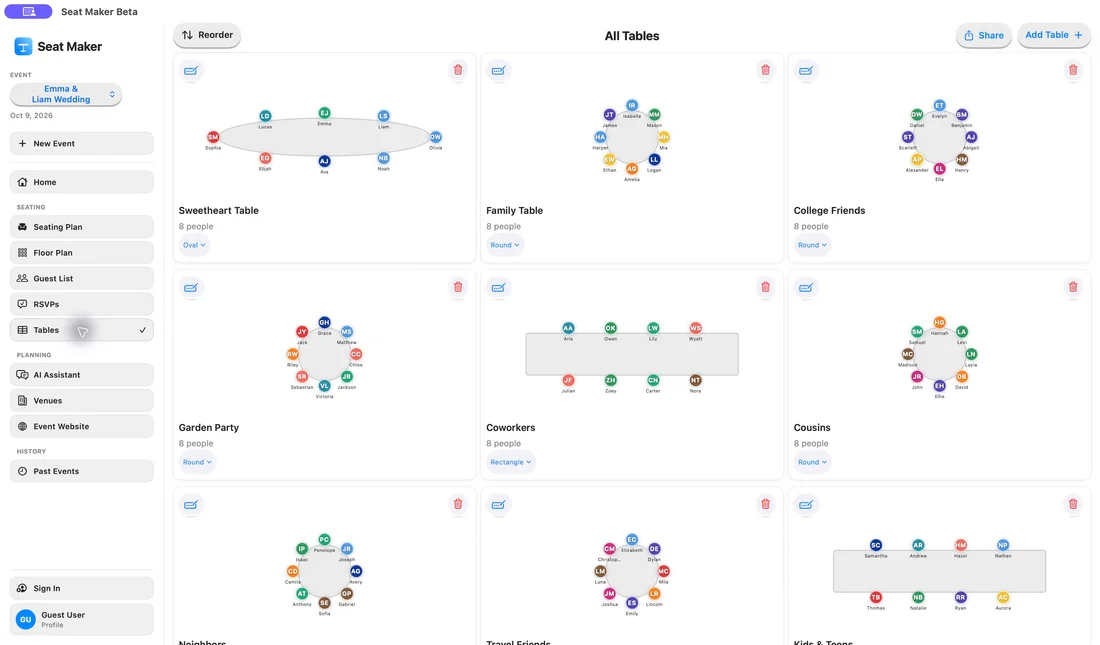
Start with your guest list, then drag guests into place.