Offline seating planning for venue days
Many event spaces have limited coverage. Edit saved seating plans on your device; venue search, account sync, website publishing, and online RSVPs require internet.
Download Seat MakerWhy it helps
- Edit seating plans without internet.
- Handle last minute swaps at the venue.
- Reduce risk on high pressure event days.
How to use it
- Build the chart at home while you still have a connection.
- Open the plan at the venue, where service is often weak or missing.
- Move guests and tables on the spot as the room changes.
- Share the updated chart once you are back in range.
Good to know
- Open the event before leaving reliable service and confirm the full guest list and room layout are available on the device.
- Carry a charged device and save a recent image or PDF as a backup that another coordinator can access if needed.
- Record last-minute changes in the editable chart first, then create a fresh export so paper, messages, and the source plan agree.
See it on your devices
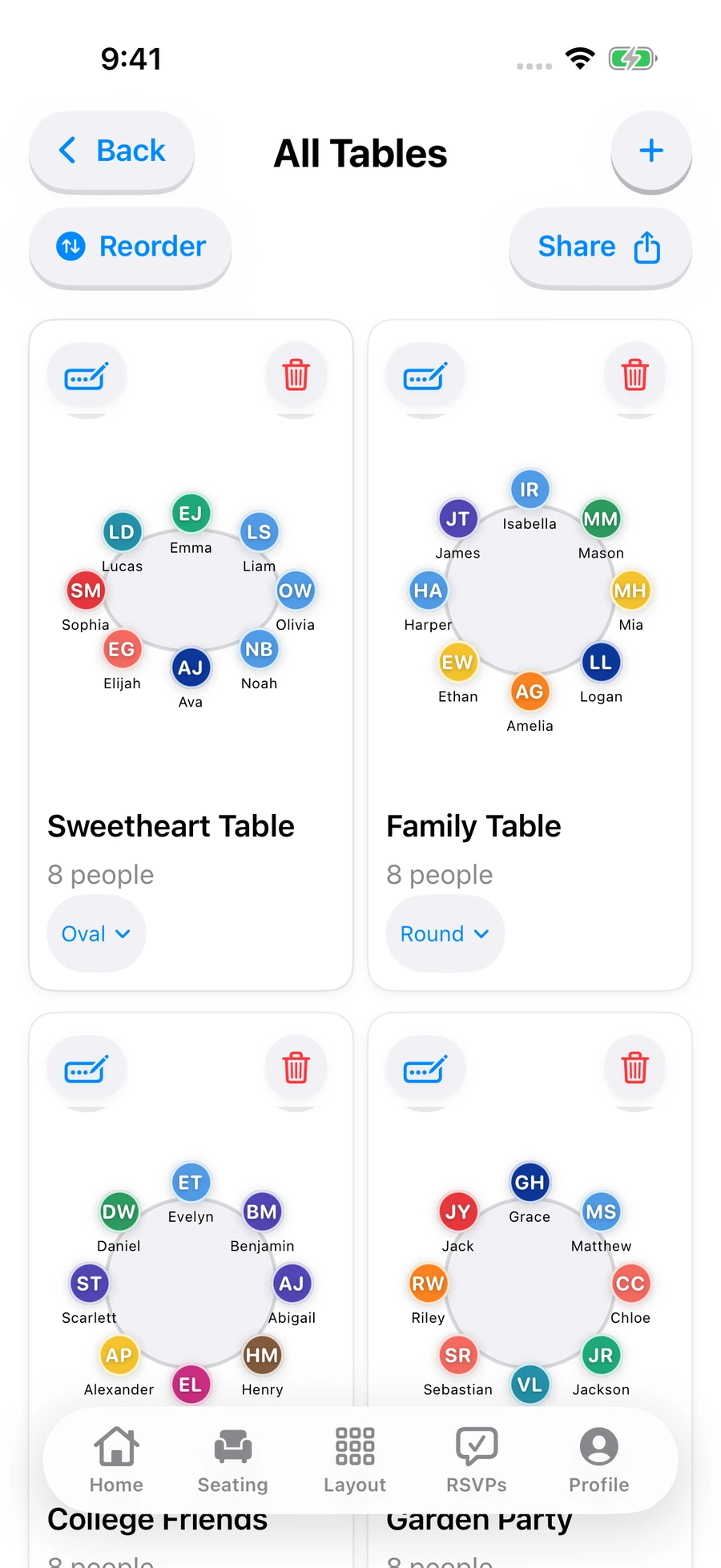
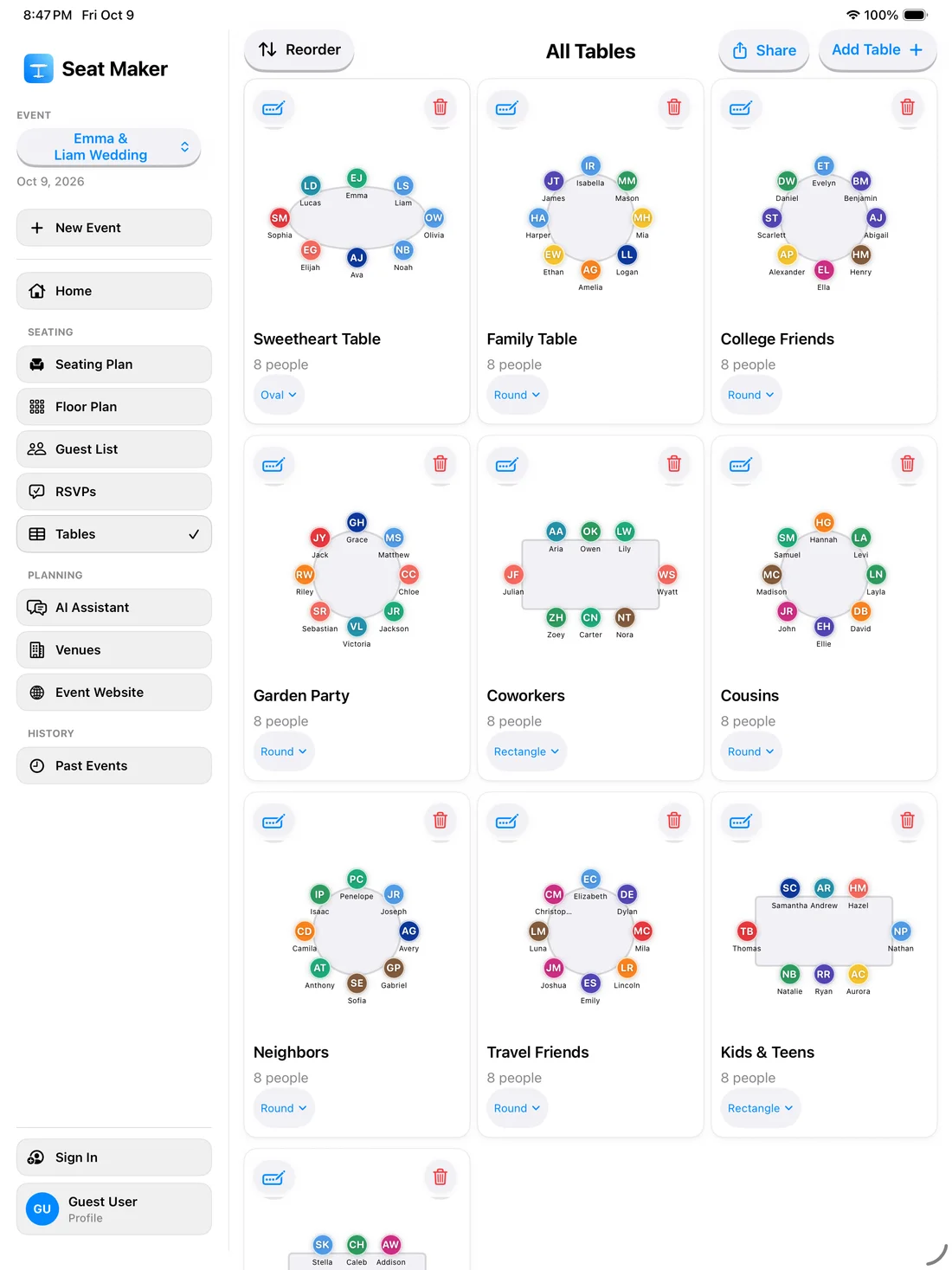
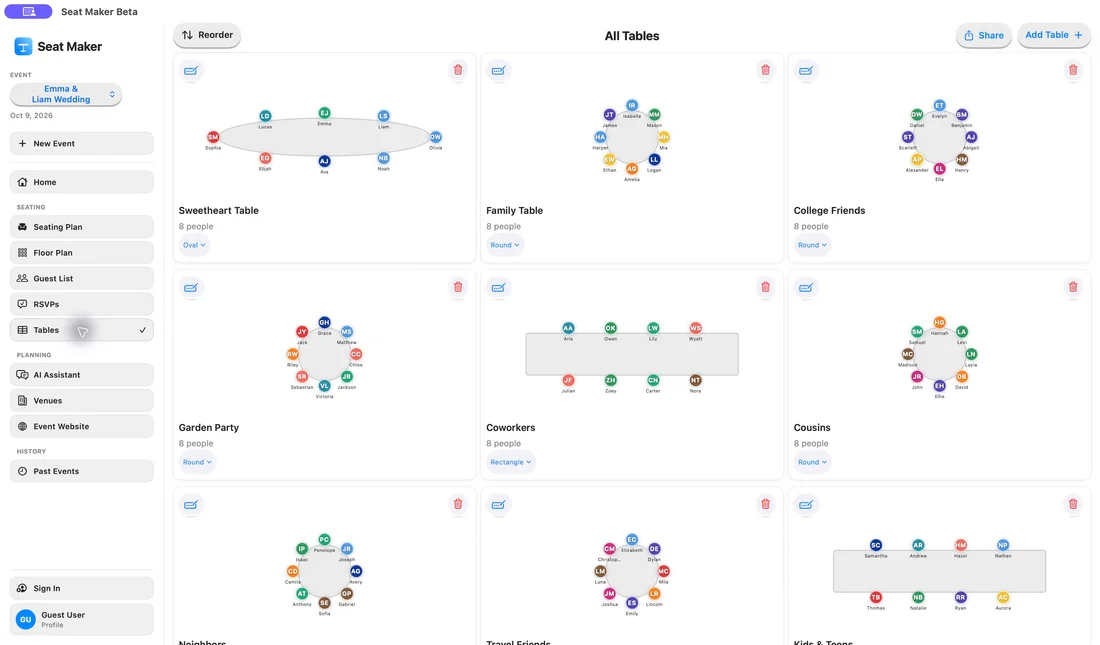
Plan confidently even when service drops.